

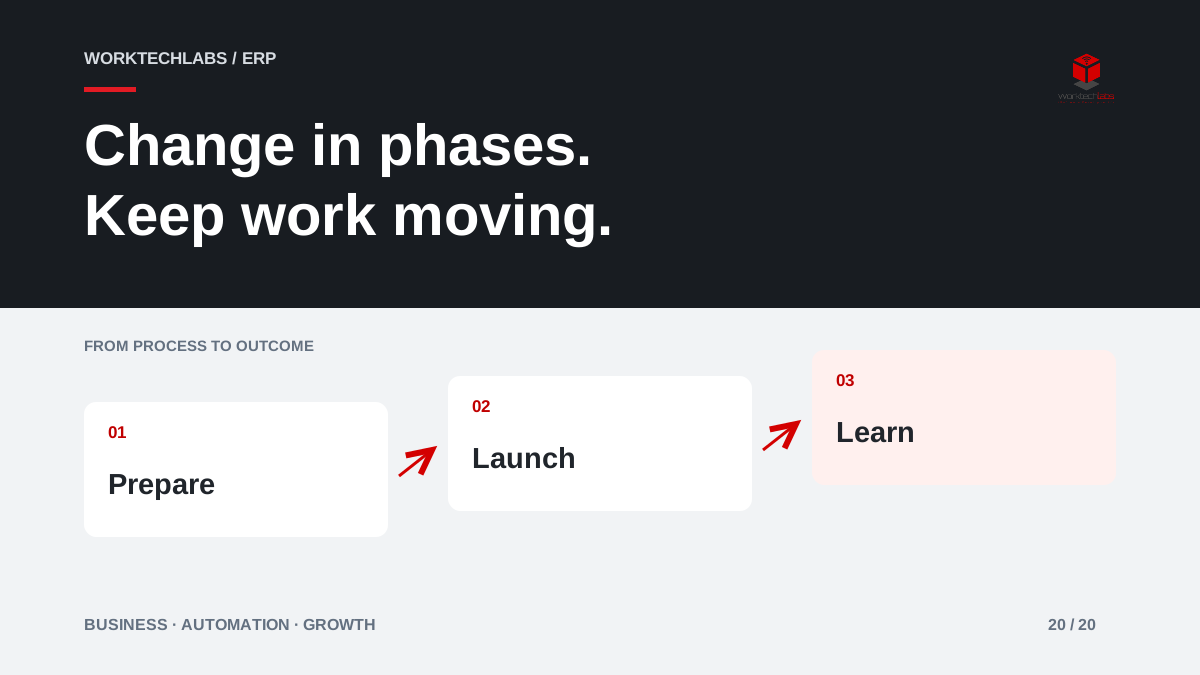
A growing business may need a new ERP while still taking orders, serving customers and closing the month. Replacing everything at once can concentrate uncertainty into a single launch. A phased rollout can reduce the scope of each transition, provided every phase supports a complete piece of business and the boundaries between systems are deliberately managed.
Phasing is a delivery strategy, not a guarantee of low risk. It exchanges one large transition for several smaller transitions and a period of coexistence that needs its own design.
Choose a phase that can finish real work
Select a coherent group of transactions, a business unit or a service journey. The first phase should allow users to complete useful work from beginning to end. Launching order entry without a dependable route to fulfilment may create a demonstration milestone while forcing staff into more manual coordination.
Consider shared dependencies before choosing the boundary. Customer records, product data and reporting may span several teams even when only one location moves first. Identify who owns each shared fact during coexistence. A phase that looks small on an organisational chart can still touch most of the business's information flows.
Decide where existing work will finish
Open orders and projects need an explicit treatment. Some may finish in the old system; others may move with their history and current state. Choose based on business requirements and the ability to reconcile the transition, rather than assuming every historical record must be migrated immediately.
An illustrative distributor might start new orders for one product family in the new ERP while completing older orders in the previous system. Staff then need a reliable way to locate an order and explain its status. The customer should not have to understand the migration plan to get a useful answer about their purchase.
Design the coexistence period
Document which system owns new transactions, how shared data moves and what prevents duplicate processing. If a customer changes an address, the update must follow an agreed route. If an order is cancelled, both systems must not continue treating it as active because each assumes the other will handle the change.
Set a plan for retiring temporary integrations and manual reconciliations. A temporary bridge can become permanent if later phases are delayed, so its support responsibility still matters. Include the cost and effort of coexistence when comparing a phased approach with a broader launch. Smaller releases can be easier to absorb while still requiring significant coordination overall.
Rehearse the transition with business users
Test representative transactions, migrated data and ordinary permissions. Include a correction, a return, a failed integration and a customer question about work started before the transition. The people who will operate the system should demonstrate the journey, rather than watch the implementation team complete it with elevated access.
Microsoft's go-live checklist and transition guidance provide useful preparation references. Use them to identify the areas that need evidence, then adapt the checks to your scope. A completed technical deployment is only one part of readiness; users, data and support must also be prepared for the specific business phase going live.
Set clear conditions for proceeding
Agree what must be true before launch: important workflows work, data has been reconciled, staff can perform their tasks and support can investigate problems. Record unresolved issues with their consequences and owners. “Nearly ready” is difficult to assess without agreed conditions.
Prepare a response if the transition does not behave as expected. Depending on the work already processed, restoring the old application may not be enough; new orders and external actions may need reconciliation. Define a realistic recovery decision with the business, including who can pause intake and how customers will be informed if service is affected.
Learn before expanding the next phase
After launch, review completed work, errors, support demand and the quality of customer information. Give the team time to stabilise normal operations before adding another substantial change. A calendar target alone is not evidence that the first group can support an expansion.
Use findings to adjust training, configuration and the next phase's scope. A pilot may reveal that the chosen process differs across locations or that a shared data rule needs revision. Treat this learning as part of the strategy. Phasing creates value when the business uses early evidence to improve later decisions.
Plan a practical rollout with Worktechlabs
Begin with the business outcome, map shared dependencies and compare possible phase boundaries. Produce a first scope that can complete real transactions, a coexistence plan and clear launch criteria. Include operational ownership so the new system can be maintained after the implementation team steps back.
Worktechlabs can help plan ERP change and the integrations needed during transition. Tell us which operations must keep running while your systems change. We can help define a phased approach that prepares the business for growth while making the work, decisions and transition responsibilities visible from the start.
Official sources and further reading
