
An accounts employee receives a message that appears to come from a familiar supplier. The link leads to a convincing sign-in page. A busy morning, an expected invoice and a plausible request can be enough to make somebody enter information they would normally question. Training matters, but an organisation should not make every employee's attention its only protective barrier.
Passkeys give businesses another way to approach sign-in security. The useful conversation is not simply whether passwords can disappear. It is how your company can introduce stronger access without leaving staff locked out, creating weak recovery routes or losing control of business accounts when devices and employees change.
Understand the protection you are buying
Microsoft describes passkeys as credentials based on public-key cryptography and bound to the intended service. This helps resist the credential phishing that relies on collecting a reusable password or code through an imitation sign-in page. Microsoft Entra documentation covers both device-bound and synced options; support and policy choices need checking for the intended environment. See Microsoft's passkey overview.
That protection does not make an account immune to every attack. A compromised device, an unsafe session or a poorly controlled account-recovery procedure can still create problems. Your rollout needs to consider the complete access journey, including what happens after someone signs in and how unusual access is investigated.
CISA recommends multifactor authentication and encourages migration to phishing-resistant methods. Treat that as a direction for improving access, then choose a practical sequence for your company. Installing a security feature is only useful when the people and applications that matter actually use it. See CISA's guidance for businesses.
Start with the accounts that can change the business
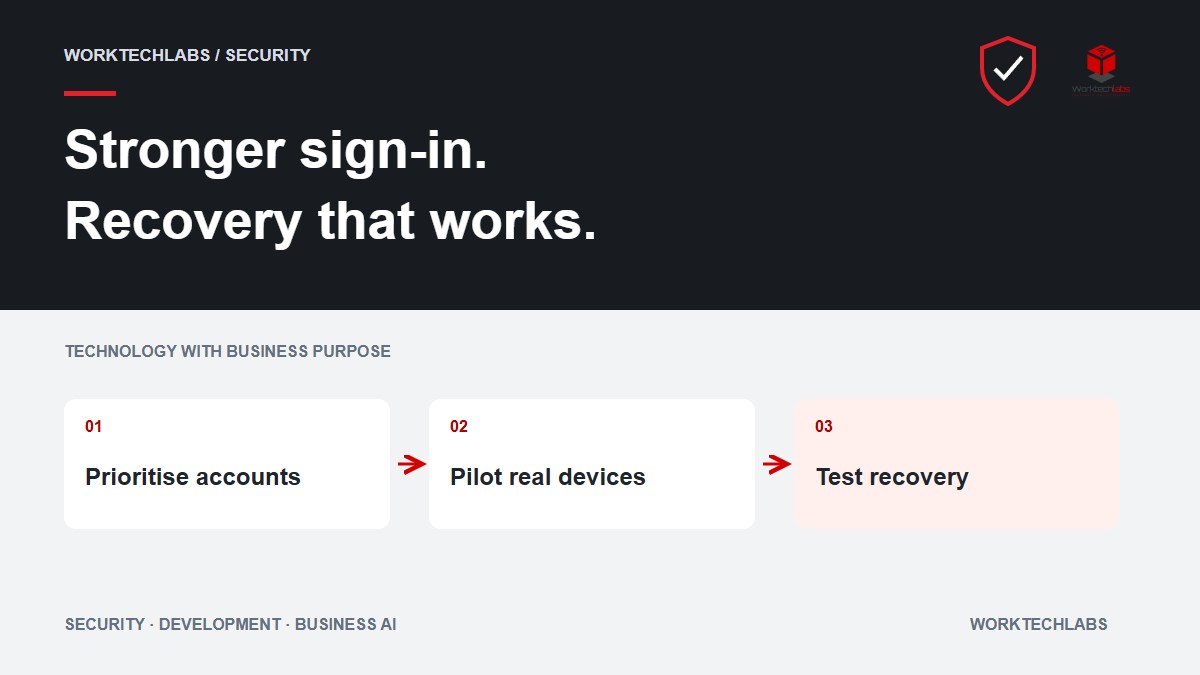
Create an inventory of important access: domain administration, cloud administration, email, financial systems, source code and the tools that deploy your applications. Identify who uses each account and what would happen if it were lost or misused. Include external suppliers and occasional administrators.
Separate everyday work from privileged administration where the platform supports it. Someone who answers email should not automatically conduct routine browsing through the same session used to administer production. Discuss which accounts need stronger device or authentication requirements and how administrators obtain access when required.
Do not overlook shared business arrangements. A generic login used by several employees makes it difficult to understand who acted and who still has access. Where individual accounts are available, use them and define the required role. Where an older system imposes limitations, record the exception and its owner rather than pretending the limitation does not exist.
Test the real devices and work locations
A passkey pilot should represent the company's working conditions. Include a person using a managed laptop, somebody working from a shared workstation and a supplier who accesses only one application. Check the browsers, operating systems and account types involved before announcing a company-wide change.
Ask whether staff can complete their whole task, not just whether sign-in succeeds. They may need to switch between a portal, a remote desktop and an older internal application. A smooth first screen can conceal a second login that still depends on a weak or unsupported method.
Consider accessibility and practical handling. Employees may have different needs around devices, biometrics or physical keys. Provide an approved alternative that maintains the intended level of protection. A rollout that ignores everyday constraints often produces unofficial workarounds that are harder to support and review.
Design recovery before removing the old method
Walk through a lost phone, a damaged laptop and an employee arriving at a customer site without their usual device. Who verifies the person's identity? Which temporary access method is allowed? How is the old credential removed, and what record shows that the recovery was completed?
The helpdesk needs a process that is both usable and resistant to impersonation. An urgent telephone call should not automatically override the account controls the company just introduced. Agree the evidence and approval required for sensitive recovery, especially for administrators and people who can change payment details.
Plan emergency administration separately from everyday recovery. The organisation needs an appropriate way to regain control if its normal authentication route is unavailable. Protect, document and test that arrangement under controlled conditions. Its existence should not become a convenient shared login for routine work.
Roll out through a small group first
Choose a pilot group with a range of roles and ask them to record interruptions. Track successful sign-ins, failed enrolments, recovery requests and the support time needed to resolve them. Compare those observations with the current process so the team can distinguish a real improvement from a change in where the work occurs.
Prepare short instructions for enrolment and recovery using the screens employees will actually see. Explain what a legitimate request looks like and where to ask for help. Staff should not need to search public forums while standing outside a customer meeting because a new sign-in policy surprised them.
Expand only after the main applications and recovery cases have been checked. Keep a register of exceptions with a review date. A temporary exception without an owner can quietly become the permanent access route for precisely the account that needed the most attention.
Keep access management connected to staff changes
When somebody joins, changes role or leaves, review their business access alongside their authentication method. A stronger sign-in does not justify keeping permissions that are no longer needed. Record which business accounts and authenticators should be removed or transferred under the company's process.
Supplier access needs the same care. Use a named sponsor inside your business and agree when access ends. Ask how you will revoke it if the supplier's contact changes or a project closes. An external account should not remain indefinitely simply because nobody received a specific request to remove it.
Review the rollout after major application changes. New portals and new integrations can introduce different sign-in requirements. Include access testing in the release checklist so the company does not discover the incompatibility when a customer-facing team starts its working day.
Turn the review into an achievable plan
Worktechlabs can help review authentication in your business applications, identify integration constraints and plan changes that fit your existing systems. The useful starting point is an inventory of applications and account types, together with recent access problems and the team responsible for support.
Connect the implementation to ongoing application support, including the recovery process and staff handover. The outcome should be a clearer, more maintainable access arrangement: fewer ambiguous accounts, an understood response to lost devices and stronger protection for the services your business depends on. Those are concrete improvements a company can inspect and continue operating after the initial rollout.
Sources checked on 7 October 2026. Confirm device compatibility, identity-platform availability and the applicable account policies before rollout.