
A connection credential starts in a developer's local settings, gets copied into a deployment variable and eventually appears in several places that nobody can confidently enumerate. When it needs to change, the team worries about breaking an overnight job or an integration maintained by someone who has left the company.
Azure Key Vault and managed identities address parts of this problem. The useful objective is to reduce unnecessary credential handling and make application access explainable. That requires an inventory of dependencies, narrow permissions and a tested operating process, rather than simply moving every existing password into another store.
Inventory access before moving credentials
List the external resources each application component uses and how it authenticates. Include databases, storage, email services, scheduled jobs and deployment automation. Record the owner and the environment for each dependency so production access is not confused with a developer's test configuration.
For a hypothetical document-processing service, the web application may receive uploads, a worker may process them and a reporting component may read results. These components do not necessarily need identical access. Document the operations each requires rather than granting a shared credential to the whole solution by default.
Identify credentials that can be replaced by identity-based access and those that remain necessary for a third-party service. This separates two useful tasks: eliminating a secret where the resource supports an appropriate identity mechanism, and managing an unavoidable secret through a controlled lifecycle.
Use managed identity where the resource supports it
Managed identities provide Azure resources with an identity that applications can use to obtain tokens without managing that identity's credentials themselves. Microsoft's overview distinguishes system-assigned and user-assigned identities and explains their lifecycles. Choose the form that matches how the workload is created, shared and retired. Managed identities overview.
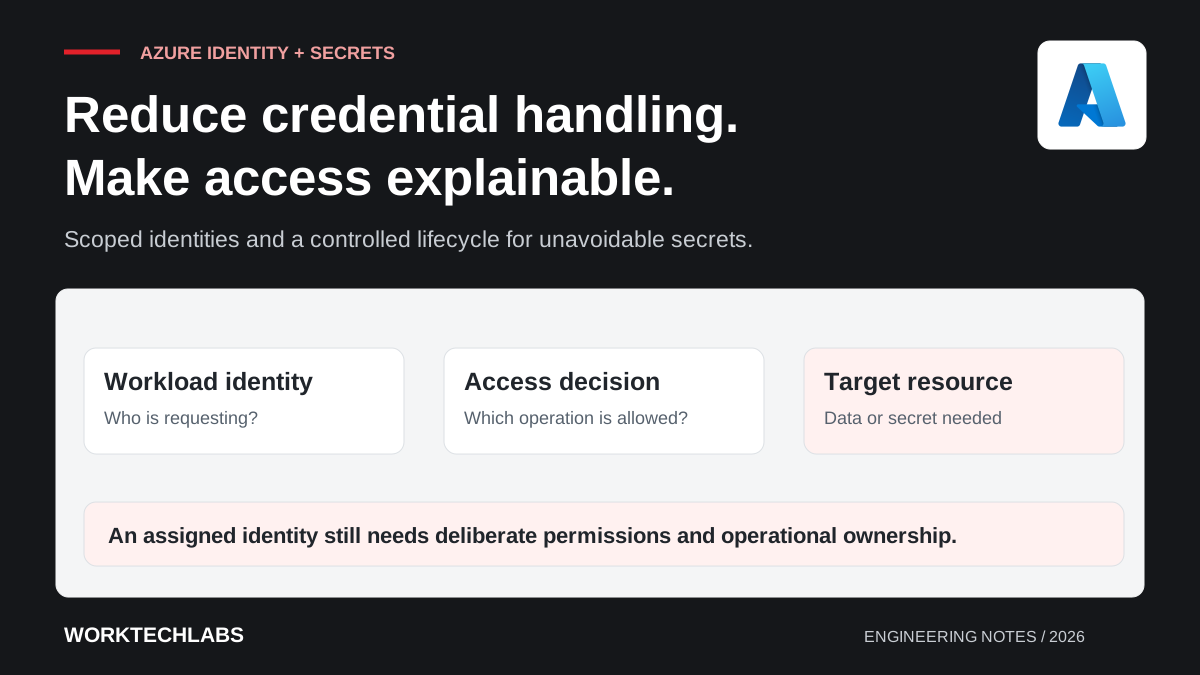
Treat identity assignment and resource permission as separate decisions. An application having an identity does not mean it should receive broad access to every resource in the environment. Assign the minimum operations needed for the component's role and keep the scope understandable to reviewers.
For the document worker, test the actual read and write operations it requires. Also verify that an unrelated operation is denied. A successful startup proves much less than a focused access check that demonstrates both the intended capability and the boundary around it.
Keep unavoidable secrets under controlled ownership
For an external service that still requires a credential, use a deliberate secret-management path. Decide who may create or rotate the value and which application identity may retrieve it. Avoid treating permission to read application configuration as automatically equivalent to permission to read every production secret.
Key Vault authentication relies on Microsoft Entra identities and an access-control model. Microsoft's documentation explains the authentication flow and the distinction between access to manage a vault and access to its contents. Review those responsibilities when assigning operational roles. Key Vault authentication.
Keep secret values out of logs, exception messages and support instructions. A diagnostic event can record that credential retrieval failed, along with an appropriate request identifier, without printing the value. Review failure paths as well as normal logging because error handling often receives less attention during the initial integration.
Plan local development and deployed identity separately
Developers need a repeatable way to run the application without pretending that their workstation has the same identity as the deployed resource. Document the intended credential path for each environment and the permissions required to use it. Keep development access separate from production authority.
Make environment selection explicit enough to diagnose. If a developer cannot tell which account or resource their application is using, a working request may conceal an unintended permission path. Provide useful configuration checks that reveal identifiers and destinations while withholding secret values.
Include automation in the model. Build agents and deployment tools should have their own scoped access appropriate to their tasks. Avoid tying a production release to a personal interactive account whose membership or availability can change without the application's operating team knowing.
Rehearse rotation and dependency failures
Define how a credential changes from the old value to the new one. Consider application refresh behaviour, cached values and any overlap supported by the external service. A successful update in the vault does not by itself prove that every running consumer has adopted the new credential.
Test the transition with a representative component before relying on it during an incident. Verify a new request, an already-running worker and a restart where those paths differ. Record which actions are required and how the team confirms that the old credential is no longer needed.
Decide how the application behaves when secret retrieval or token acquisition fails. Some workflows may use a deliberately bounded cached configuration; others must stop accepting work. Make the chosen behaviour visible and avoid silently falling back to a broad emergency credential hidden in application settings.
Review access as the application changes
When a component is retired or moved, review its identities and permissions as part of the work. An unused identity with broad access remains an operating liability even if the original process no longer runs. Record ownership so the team can distinguish an intentionally shared identity from an abandoned resource.
Inspect access changes periodically and after significant architecture updates. Ask whether each grant still corresponds to a real operation and whether support can explain the reason. A short, maintained access inventory is more useful than an impressive initial diagram that becomes inaccurate after the next release.
Worktechlabs can help strengthen Azure and .NET applications through clear identity boundaries and maintainable configuration. Pair this work with infrastructure as code and software handover planning so access can be reproduced, reviewed and transferred without passing credentials around informally.
Official sources and further reading
- Microsoft: managed identities for Azure resources — identity types and lifecycle.
- Microsoft: authenticating to Azure Key Vault — authentication and access-control responsibilities.
