
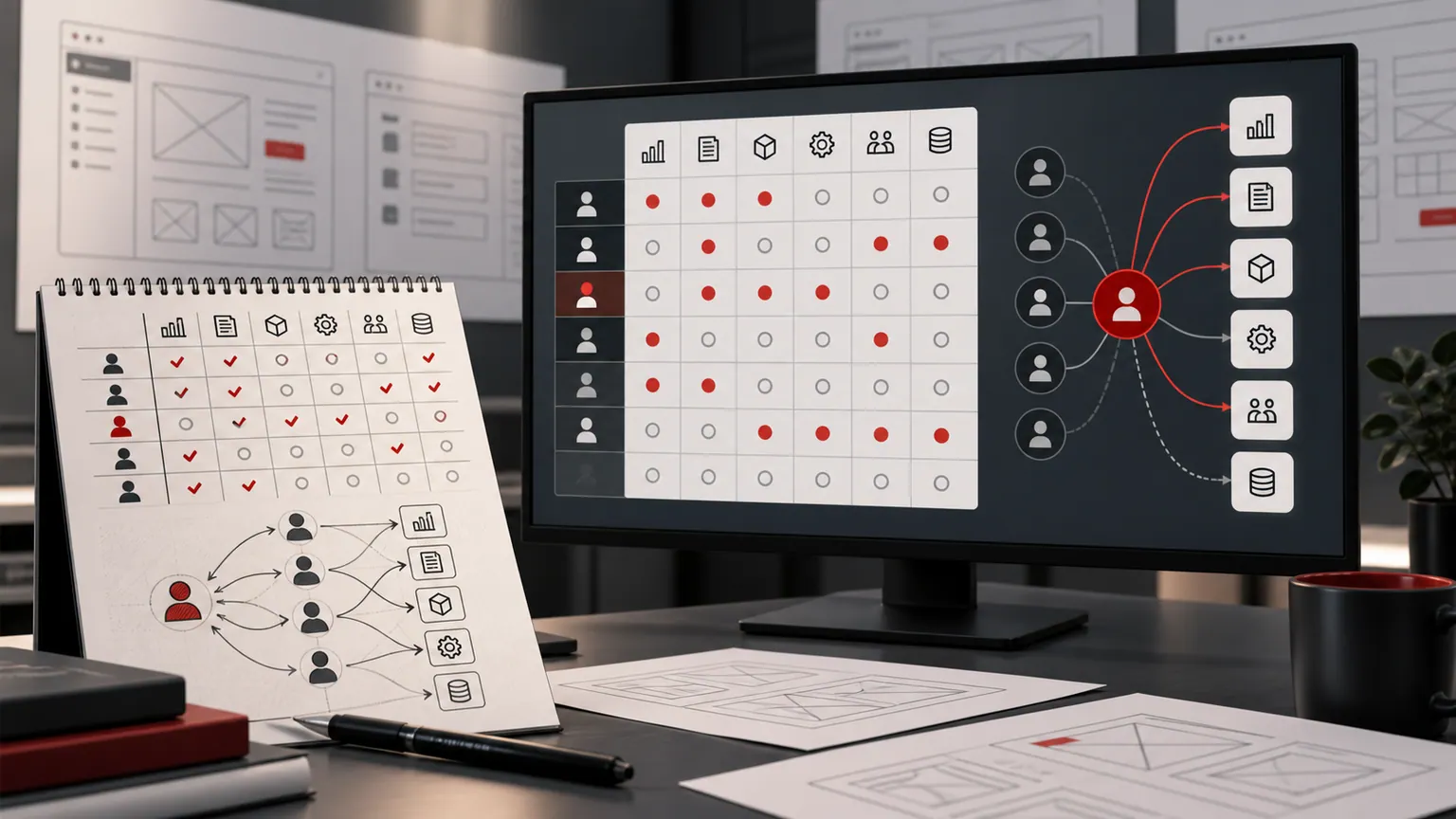
Designing permissions before you design screens
ERP

Designing permissions before you design screens

Verónica Balcedo 20 May 2025 1 min read
Designing permissions before you design screens

Permissions are usually the last thing discussed in an ERP project and the first thing that goes wrong. Role modelling is cheap to do at the start and expensive to retrofit once screens, reports and workflows already assume a single flat set of users.

Model roles against the process, not the org chart
Job titles change more often than the underlying process does. Model permissions against what a role needs to do — approve a quotation, release stock, view another department's margin — rather than against today's org chart.

Design the audit trail alongside the permissions
If a permission model matters enough to enforce, it matters enough to log. Every write should be attributable to a user and a role, exportable for a future audit.

Retrofitting is the expensive path
Adding roles after screens are built usually means reworking navigation, reports and workflows that quietly assumed everyone could see everything. Get the model right before the first screen is designed.

Related service: .NET and Azure development.

ERPDelivery
Worktechlabs

Written by

Verónica Balcedo

About the team and our articles

Want to discuss this with the team?

We are happy to talk through how this applies to your own system.

Get in touch

Let's talk

What would you like to improve in your business?

Discuss your project 020 3883 2194

We use cookies

Necessary cookies keep the site working. With your permission we also use analytics cookies. Google receives basic measurement signals without analytics cookies before you accept or if you reject. You can change your cookie choice at any time. See our cookie policy.

Privacy settings

Cookie preferences

Rejoining the server...

Rejoin failed... trying again in seconds.

Failed to rejoin.
Please retry or reload the page.

The session has been paused by the server.

Failed to resume the session.
Please retry or reload the page.