

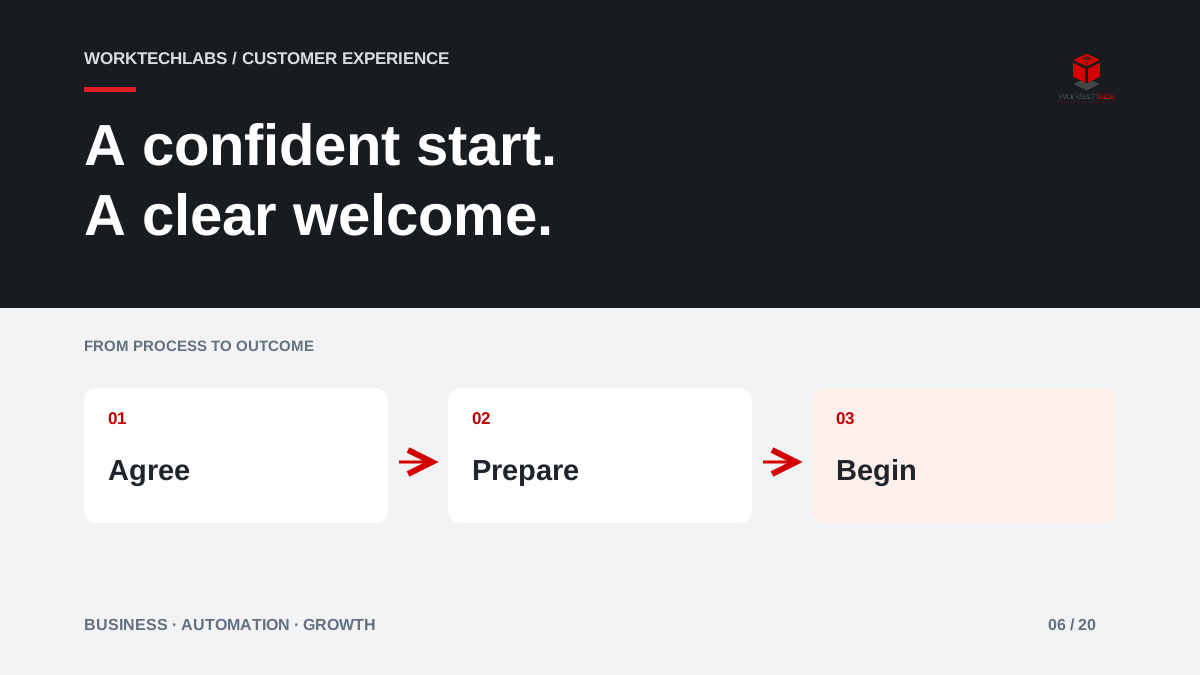
Winning a customer is the beginning of the relationship, but many businesses treat the days after acceptance as an administrative gap. The buyer receives several requests from different people, repeats information already shared with sales and cannot tell when delivery will begin. A clear onboarding process can turn that uncertainty into visible progress towards the first useful result.
Automation helps when it coordinates the work behind the welcome message. The customer needs to know what to do, while the team needs to know what is ready and what is still missing.
Define the first meaningful result
Start by identifying what the customer considers a successful beginning. For a maintenance service, it might be the first confirmed visit with the correct site information. For a software project, it might be an agreed scope and access to the people needed for discovery. “Account created” is an internal milestone unless it enables something the customer values.
Work backwards from that result. List the information, decisions and preparations required. Remove requests that are only useful later, and distinguish essential prerequisites from helpful context. Asking for everything at once can make a simple purchase feel like a large implementation before the customer has experienced any benefit.
Carry the sales agreement into delivery
The onboarding team should receive the accepted scope, named contacts, agreed dates and any special conditions. If a customer explained a constraint during sales, someone must decide whether and how it affects delivery. Important context should not remain trapped in the salesperson's personal notes or a presentation that nobody opens.
Use a structured handover, but leave space for explanation. A checkbox saying “access required” is less useful than a clear description of the access, the person who can provide it and the reason it is needed. Link the handover to the accepted agreement so changes can be traced and discussed without relying on memory.
Give customers one coherent set of next steps
An illustrative consulting firm might send a single welcome page with the project contact, the next meeting and a short list of requested items. Each item explains why it is needed and whether the customer can delegate it to a colleague. The list updates as the team receives and checks information.
Avoid sending separate reminders from every department. A customer who has already submitted a document should not receive another automatic request because two systems disagree. Distinguish received, under review and accepted. When something is unsuitable, explain the correction rather than resetting the item to an unexplained “missing” state.
Automate waiting without losing responsibility
Use reminders for specific outstanding actions, with sensible intervals and a clear route to ask for help. Pause or change the sequence when the customer replies, requests more time or agrees an alternative. A workflow that continues sending reminders after a conversation quickly undermines the feeling of personal service.
Internal work also needs deadlines and owners. If the customer provides everything but the business has not assigned a delivery lead, the onboarding is still blocked. Show both sides of the process so staff can distinguish waiting for the customer from waiting for their own organisation. That distinction makes reviews fairer and helps resolve the actual delay.
Design a route for unusual customers
Some customers need multiple approvals, different billing arrangements or a phased start. Decide which variations are supported and which need a conversation before proceeding. The goal is not to force every relationship into one identical sequence, but to make the normal route clear and exceptions manageable.
Microsoft's process-design guidance offers examples of separating repeatable work and business rules. Apply that thinking to your own onboarding: automate predictable coordination and preserve a human decision where the agreement or customer situation is unusual. Do not let a convenient default silently change what was sold.
Measure time to readiness and customer effort
Track the time from acceptance to the first meaningful result, the number of repeated information requests and the reasons for stalled starts. Separate delays caused by missing customer input from internal capacity or unclear decisions. A single completion percentage can hide a few blocked customers who need immediate help.
Ask customers whether the next steps were clear and whether they knew whom to contact. Review actual messages and handovers with the delivery team. Fewer emails can be a useful outcome, but only if the customer still understands the process and the team has the information needed to perform the work correctly.
A manageable first release
Choose one service with a repeatable start. Build the welcome journey, the internal ownership view and a small set of reminders. Test a normal customer, a delegated document request, a rejected submission and a delayed start. Agree how staff can pause the process and explain the change to the customer.
Worktechlabs can help connect your sales agreement, forms and operational systems into a coordinated onboarding journey. Share what happens after a customer says yes. We can identify where information is repeated, where ownership disappears and which first improvement would help customers reach value with less uncertainty.
Official sources and further reading
