

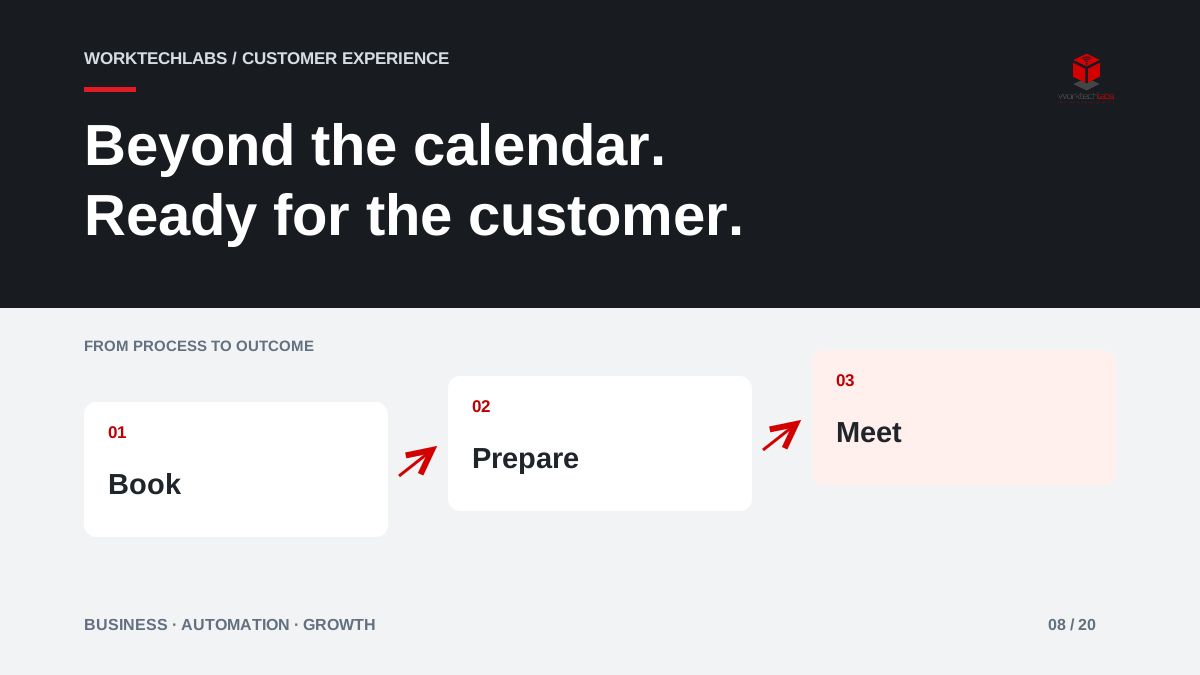
A customer books a meeting, receives a confirmation and assumes the business is ready. On the day, the wrong specialist joins, the location is unclear or the team discovers that essential information is missing. Online booking removed the email exchange, but it did not prepare the service. A stronger process connects the appointment to the work required before, during and after it.
For businesses that sell expertise or scheduled services, this connection can make the first interaction more useful and reduce avoidable gaps in the calendar.
Define what the appointment is for
Separate an exploratory conversation from a confirmed service visit. Each needs different information, preparation and expectations. A discovery call may clarify whether the business can help; a booked installation may require equipment, access and a qualified member of staff. Using one generic calendar for both creates confusion about what the customer has actually reserved.
Describe the appointment in plain language: its purpose, duration, location or meeting method, and what the customer should prepare. Explain whether the booking confirms the service or only requests a review. The wording on the confirmation should match that distinction so the customer does not mistake a provisional slot for a final commitment.
Route the booking to suitable capacity
Availability is more than an empty calendar slot. The right person may need a particular skill, travel time or preparation between visits. Define which resources and constraints affect each appointment type before exposing availability to customers. Otherwise, the system can efficiently fill the calendar with work the team cannot deliver as scheduled.
In an illustrative facilities business, an initial assessment and an urgent repair might require different staff and buffers. A short set of qualifying questions can direct the customer to the right route. Requests that do not fit should receive a clear alternative, such as a call from the scheduling team, rather than an apparently successful but unsuitable booking.
Collect information when it becomes useful
Ask for the minimum information needed to make the appointment valid. Additional preparation can follow in a focused message or form. Explain why each item matters: a site address determines travel, a short problem description helps assign the specialist, and a reference number connects the appointment to existing work.
Avoid asking customers to repeat details already held in a trusted record. At the same time, give them a chance to correct information that may have changed. The person attending, the delivery site and the billing contact are not always the same. Treat those differences explicitly instead of assuming one contact record answers every question.
Make reminders helpful and changes easy
A reminder should provide the appointment details, the preparation still required and a straightforward way to reschedule or cancel. The timing should fit the service. A reminder that arrives too late to release a long reserved slot may have little operational value, even if it reduces forgotten appointments in some cases.
Microsoft Bookings documents service definitions, scheduling and customer communication capabilities. These are useful building blocks, but the business still needs rules for late changes and exceptions. When a customer reschedules, update preparation tasks and notify the responsible team. A moved calendar event should not leave equipment booked for the old date or a colleague travelling to an unnecessary visit.
Connect the appointment to the next decision
After the meeting, record whether it took place and what should happen next. A qualified opportunity may need a proposal; an assessment may produce a service order; an unsuitable enquiry may close with an explanation. Without this connection, booking data becomes an isolated count of meetings that says little about business results.
Give the owner a short completion workflow with meaningful choices. Avoid making staff complete a long report for a simple introductory call. Capture the outcome, a useful note and the next agreed action. That is enough to preserve continuity without turning every appointment into an administrative project.
Measure useful appointments and recoverable capacity
Look at completed suitable appointments, late cancellations, rescheduled slots successfully reused and the share of meetings with a recorded next step. Separate customer absence from appointments cancelled by the business. Combining them hides whether the problem is customer communication, unreliable staffing or unsuitable availability rules.
Do not equate a fuller calendar with growth. A calendar full of poorly qualified meetings can leave less time for customers who need detailed attention. Review whether the booking process improves the fit and preparation of conversations, and whether the team can fulfil the expectations set by the website.
A first implementation with Worktechlabs
Start with one appointment type and connect availability, confirmation, preparation and outcome. Test time zones, a last-minute change, missing information and an unavailable specialist. Have the scheduling team rehearse the exceptions before introducing more services or locations.
Worktechlabs can help connect booking tools to your CRM and operational applications, so the appointment becomes part of a coherent customer journey. Tell us what has to happen around each booking. We can help identify the coordination that should be automated and the decisions that need a person who understands the service.
Official sources and further reading
