

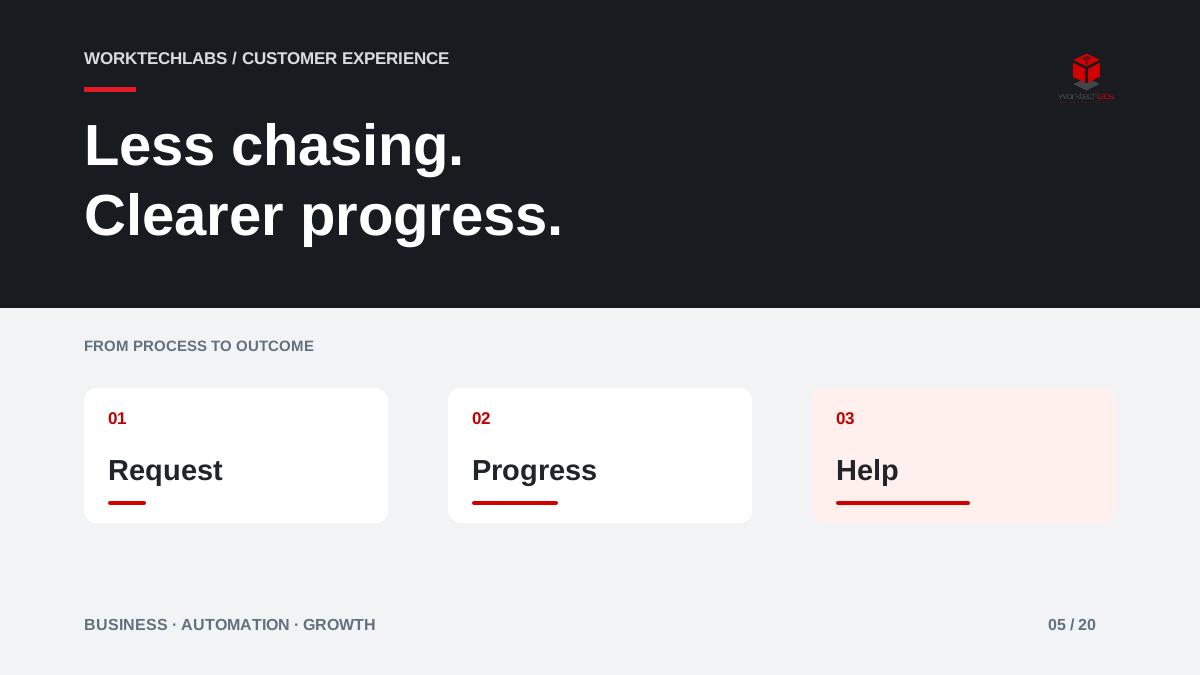
“Has my request been received?” “Which document do you need?” “When will the work start?” These are reasonable customer questions, but answering them repeatedly consumes time that could be spent resolving complex problems or helping a new buyer. A customer portal can make routine information easier to find and give your team a more organised way to manage the conversations that remain.
A useful portal begins with a customer task. It earns its place by making that task easier than another email or telephone call.
Choose one reason for customers to return
Start by examining common questions and the moments when they arise. A service business might find that customers repeatedly ask about onboarding documents. A supplier might receive frequent order-status requests. Choose a journey with a clear beginning and outcome, rather than filling a homepage with features because they are technically available.
Describe success from the customer's perspective: submit the missing document and see that it was received, or check an order and understand the next expected event. Logging in is not the outcome. A portal that requires registration before providing useful information creates extra work before it demonstrates any value.
Show understandable status, including uncertainty
Internal status labels often make little sense outside the company. “Pending processing” could mean that a person is reviewing the request, that information is missing or that nobody has started. Translate these states into a useful explanation, a next action and an owner where appropriate.
Do not display an estimated date as a confirmed commitment. If an update depends on a supplier or a review, say so. Show when the information was refreshed if it may be stale. Customers can plan around honest uncertainty more easily than around an apparently definite date that repeatedly changes without explanation.
Design access around the customer's organisation
In business relationships, one account may involve a buyer, an administrator and several site contacts. Decide which people can see which orders, documents and requests. A user leaving the customer organisation should not retain access because their email address still exists in an old spreadsheet.
Test access with separate customer accounts and ordinary user permissions. A document reference or an order number must not be enough to reveal another customer's information. Include a practical process for inviting colleagues, changing responsibilities and recovering access. These are routine parts of the service, not rare administrative details to postpone until after launch.
Connect the portal to work that someone owns
If customers upload information but staff still search a mailbox to discover it, the portal has added another channel without improving the process. Each submission should enter a defined workflow with an owner, a status and a way to request clarification. Confirm receipt without implying that the content has already been checked.
Microsoft's Power Pages templates and Dynamics 365 customer portal documentation show established approaches to external access and customer-facing transactions. They are possible implementation references, not a reason to choose a platform before understanding the journey. Existing applications, licensing, data ownership and support requirements should influence that decision.
Keep a human route available
Some questions need a conversation. Place a clear contact route near the task where customers get stuck, and carry relevant context into the request. Asking someone to describe the order again after they clicked “get help” from its details page wastes an opportunity to make support easier.
Do not judge the portal solely by a reduction in phone calls. Calls may fall because customers found the answer, or because contacting the business became difficult. Review completed tasks, abandoned journeys, support reasons and customer feedback together. A self-service channel should increase the customer's ability to act, rather than hide unresolved work from your team.
Pilot with real tasks and different devices
Invite a small group of customers with representative needs. Ask them to complete a task using their normal device and connection. Observe whether labels, documents and next steps are understandable without coaching. Include someone who is unfamiliar with your internal terminology, because employees tend to navigate using knowledge customers do not have.
Try an expired invitation, a large attachment, a missing document, an unavailable backend and a change of customer contact. Agree how staff handle each case. The fallback should preserve submitted information and make the problem visible, so a temporary failure does not require the customer to start again without explanation.
Build a first portal with Worktechlabs
A sensible first release might let customers view one type of request, provide missing information and contact the responsible team. Measure whether those tasks become clearer before expanding into additional services. This keeps investment tied to evidence about actual use.
Worktechlabs can help design the journey, integrate the portal with your business systems and establish access and operational ownership. Tell us which questions your team answers most often. We can use that information to identify a portal feature that removes a real obstacle for customers and frees staff to help where personal attention matters.
Official sources and further reading
