

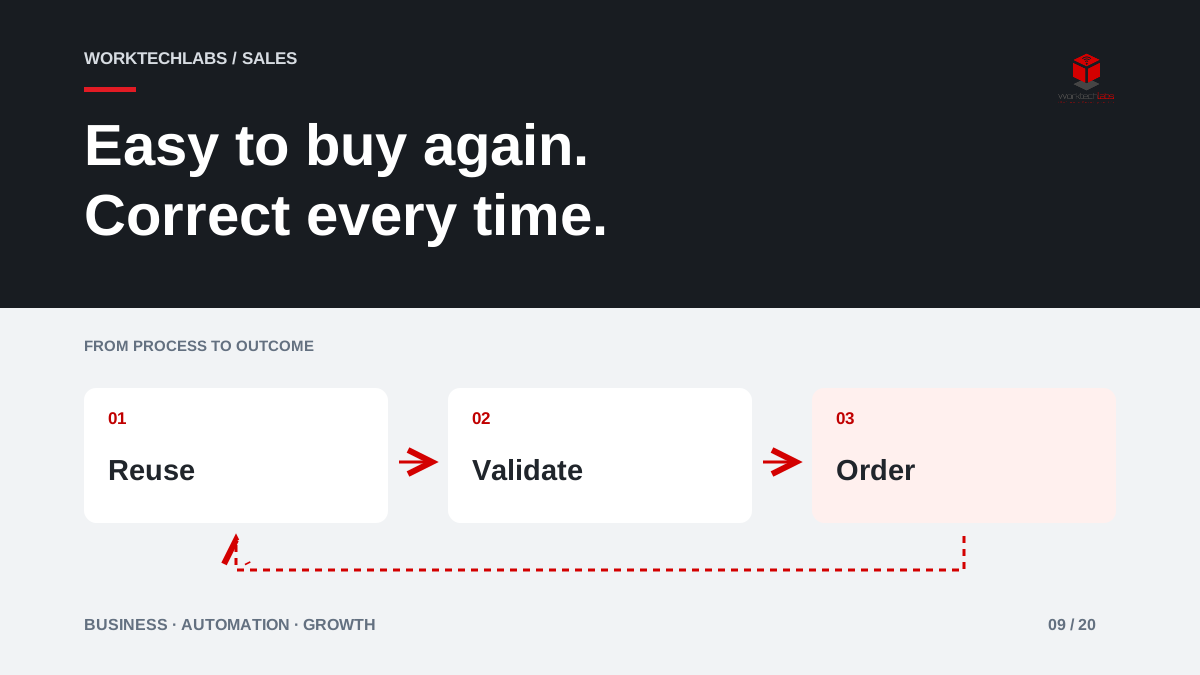
An established customer wants to buy the same supplies again. They find an old email, copy several product codes and ask whether the price is still valid. Your team checks the account, corrects quantities and re-enters the order. This may feel manageable for one customer, but repeated across many accounts it becomes a barrier to convenient repeat business.
A B2B reorder portal can simplify this journey. Its job is to reuse the customer's intent while checking the conditions that may have changed since the previous purchase.
Start with the repeat purchase people already make
Look for products or service packages that customers buy regularly and can identify consistently. Some buyers know item numbers; others think in terms of a site, a project or a familiar list. Design the entry point around that behaviour. A consumer-style catalogue is not always the fastest route for someone who already knows exactly what they need.
Use recent orders or saved lists as a starting point, but make the distinction clear. An order history is a record of what happened. A reusable list is a convenient selection for a new purchase. Neither should silently preserve an old price, an expired agreement or a delivery commitment that no longer applies.
Revalidate the commercial conditions
Check current products, quantities, units, customer terms and delivery details before confirming the new order. A previous box of twelve may now have a different pack size. An item might be discontinued, or a site may no longer be served on the same schedule. Display changes where the buyer can understand and accept them.
If a substitute is available, describe the difference rather than replacing the item invisibly. If a price requires review, make the request provisional. Convenience depends on dependable information; a fast order that triggers several corrections afterwards can be less useful than a short conversation with a knowledgeable salesperson.
Reflect how business customers approve purchases
A customer organisation may have people who prepare a basket, others who approve it and someone else who receives the delivery. Determine whether the portal needs these roles for the first release. Do not assume that every person with an account can place any size of order for every site.
Make the status of an internal approval visible. A basket awaiting the customer's manager is different from an order accepted by the supplier. The confirmation should identify which event has occurred. This avoids a familiar problem: the buyer expects a delivery while the supplier has not yet received an authorised order.
Connect the portal to the ERP order
The customer-facing request needs a dependable route into the system that manages fulfilment. Keep a reference that links the submission to the resulting order, and prevent repeat clicks or retries from producing duplicates. If the ERP cannot accept the order immediately, preserve the request and explain its actual status.
Microsoft documents bulk ordering, order templates and reordering from history in Dynamics 365 Commerce. These features illustrate common B2B buying patterns. Your implementation should still be evaluated against the catalogue, pricing rules and operational systems your business actually uses. A familiar feature name does not prove that a particular customer agreement will work without configuration or integration.
Keep account support close to the transaction
Some repeat purchases become unusual because demand changes. Give customers a clear way to ask about a larger quantity, an alternative item or an earlier date. Carry the basket and account context into that request so the salesperson can answer without reconstructing it from a screenshot.
Use the portal to make staff more useful, not merely less visible. Routine orders may become easier to place, while the account team spends more time advising on changes and resolving exceptions. That is a stronger relationship than forcing customers through self-service when they need commercial guidance.
Measure repeat buying with the right comparisons
Track successful reorder completion, corrections after submission, support requests per order and the time staff spend entering routine orders. Review repeat purchase behaviour for comparable customer groups and buying cycles. A customer who normally purchases quarterly should not be judged by the same short window as one who orders every week.
Do not attribute every additional order to the portal. Demand, product availability and account activity may change at the same time. The more direct evidence is whether customers complete existing purchasing tasks with fewer obstacles and whether the business fulfils those orders accurately. Commercial outcomes can then be reviewed alongside that operational evidence.
Build a focused reorder experience
Begin with a small customer group, a stable catalogue and one supported order route. Test changed prices, discontinued products, a different delivery site, an approval delay and a failed transfer. Ask buyers to complete their normal repeat order without coaching and observe where they hesitate.
Worktechlabs can help connect a customer portal with your ERP and sales processes, including validation and exception handling. Tell us how repeat orders arrive today. We can identify a first experience that makes returning to your business easier while keeping the order dependable for the people who must deliver it.
Official sources and further reading
