

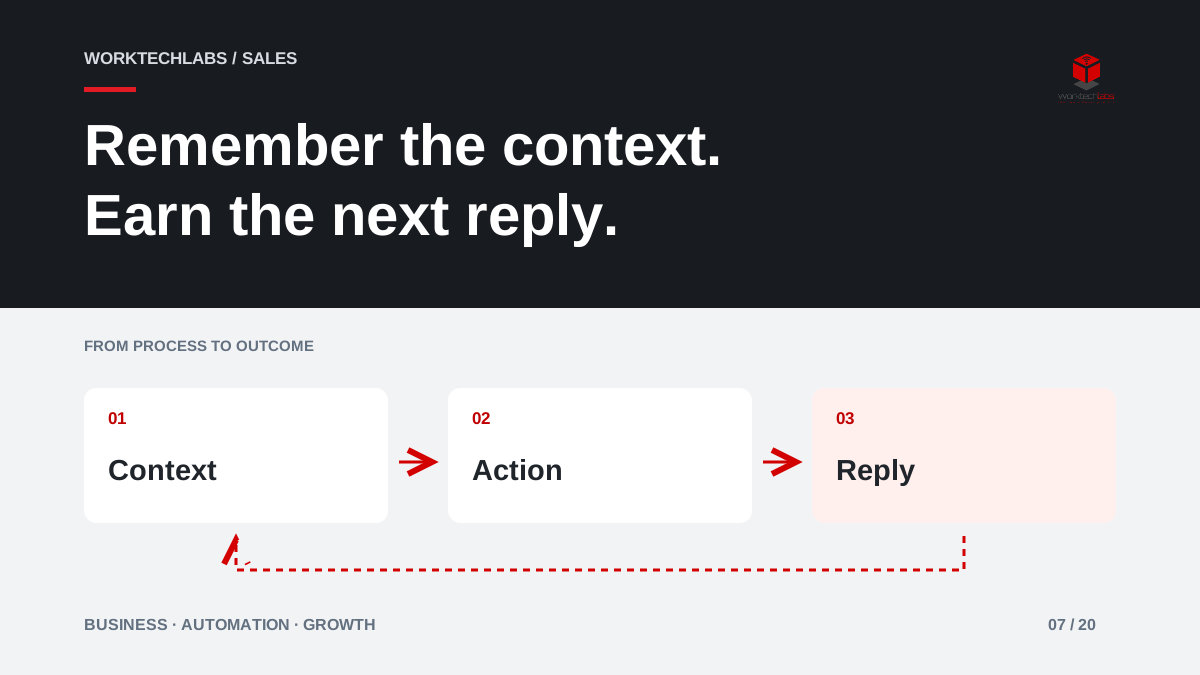
A promising conversation ends with “send me the details,” then disappears beneath urgent work. Weeks later, the salesperson sends a generic message that ignores the buyer's original question. Follow-up automation can prevent this loss of continuity, but only if it remembers the conversation and respects what happens next.
The objective is to make the next useful action dependable. A larger volume of messages is not evidence of a healthier sales process, and repeated contact without relevance can damage a relationship that was developing well.
Record a reason to follow up
After each conversation, capture what the customer is trying to decide, what you promised to provide and the next agreed step. “Follow up next week” is weak context. “Confirm whether the proposed delivery window works after their operations meeting” gives the next person a reason for the contact and a useful question to ask.
Separate agreed follow-up from speculative outreach. A customer expecting a revised proposal needs a different message from someone who downloaded a general guide. The workflow should know the difference. Otherwise, the business can mistake permission to answer one question for a reason to keep sending unrelated sales messages.
Use stages that describe a decision
Build a small number of stages around customer progress: exploring the problem, reviewing an offer, awaiting an internal decision and ready to proceed. Associate each stage with a likely next action, but allow the salesperson to adjust it based on the actual conversation.
An illustrative business software supplier might use a reminder to send an agreed comparison after discovery, then a task to discuss open questions after the buyer's review. If the buyer says the project has been postponed, the sequence should pause with that context. Continuing a standard “ready to buy?” sequence would make the system look attentive while the business appears not to listen.
Make stopping rules explicit
A reply, an accepted proposal, a closed opportunity or a request not to continue should change the workflow. Define which events stop a sequence automatically and which require a person to decide. Check that those events arrive from the channels the team actually uses, including replies that land outside the CRM.
Microsoft documents sales sequences as a way to organise consecutive activities. That provides a useful product reference, but selecting the sequence is still a business decision. A default template cannot know whether a customer's latest reply makes the next scheduled message inappropriate. Give staff a visible way to pause, reschedule and explain an exception.
Prepare context before preparing words
Templates can save time when they organise a useful message: a short reference to the discussion, the promised information and a clear next step. Avoid superficial personalisation that only inserts a name while ignoring the customer's situation. The important variable is the reason for writing.
For valuable or complex opportunities, automate the reminder and prepare a draft for review. Let the salesperson confirm that the facts, tone and timing are right. If information such as availability or pricing can change, verify it before sending. A polished message that repeats an expired promise is worse than a brief, accurate update written by a person.
Make responsibility survive absence
A follow-up process should continue when someone takes leave or changes role. Keep the history, current owner and next action in a shared system with appropriate access. The replacement should understand what has already been discussed, rather than contact the customer as if the relationship started that morning.
Define how overdue actions are reviewed. A daily list of every unfinished task can become background noise. Prioritise actions according to the customer's agreed deadline and the consequence of waiting. A promised revision due today may matter more than a routine check-in on an opportunity that is not expected to move for several months.
Measure conversations and relevance
Track completed agreed actions, useful replies, meetings that move a decision forward and opportunities closed with a clear reason. Examine opt-outs and complaints as signals that the timing or relevance needs attention. Message counts and email opens are insufficient on their own to show that customers found the contact helpful.
Review samples with the sales team. Was the next message connected to the previous conversation? Did the system stop after a reply? Did a salesperson spend less time remembering tasks and more time understanding the customer's needs? Those questions connect the automation to the quality of the relationship.
Start with one follow-up journey
Choose a common scenario, such as a proposal awaiting review. Define entry conditions, the agreed next action, a reminder schedule and stopping events. Test a positive reply, a delay, a lost opportunity and an absent owner before expanding. The process should remain understandable to the people expected to use it.
Worktechlabs can help connect conversations, CRM activities and business automation so follow-up stays relevant. Share where opportunities currently go quiet. We can identify a first workflow that supports attentive selling and keeps responsibility visible without treating every customer as the same sequence of scheduled messages.
Official sources and further reading
