

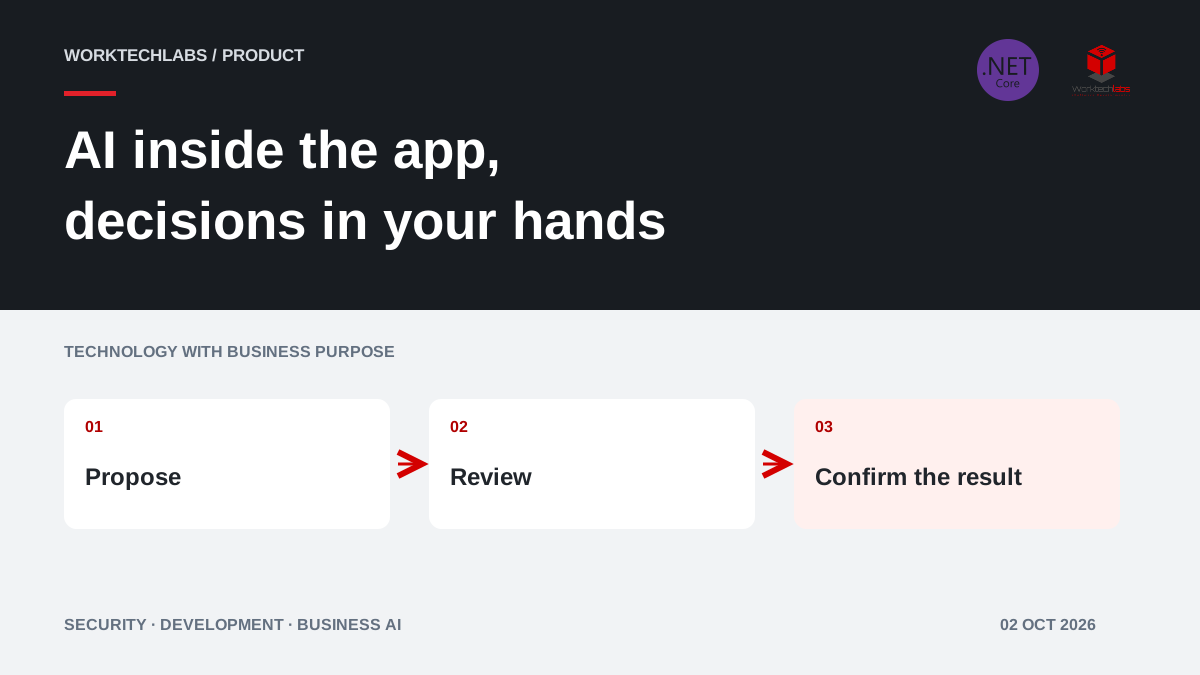
An AI assistant inside a business application should help someone finish a task. A fluent conversation is useful only if the user can understand the proposed change, correct it and see what actually happened. For an ERP operator or a customer-service team, that often means keeping familiar forms and records alongside the conversation.
On 28 September 2026, Microsoft introduced experimental Blazor AI components for presenting streamed interactions, tool activity, approvals and shared application state. The announcement uses .NET 11 RC1 and a prerelease package. As reviewed on 2 October 2026, this is an opportunity for a controlled prototype, with the package's experimental status included in the decision.
Start with a task that benefits from conversation
Some work is easier to express in a sentence than through a long sequence of filters. A service coordinator might ask for appointments that need rearranging because a technician is unavailable. The useful result is a reviewable set of affected jobs and proposed alternatives, not a confident paragraph claiming that everything has been sorted.
Other work remains faster in a conventional form. Entering a known order number or confirming a fixed selection does not necessarily benefit from a chat interface. Observe the existing task and identify where language helps users express intent or interpret information. Keep precise controls where they already work well.
For a hypothetical maintenance company, a sensible first pilot could prepare a revised daily schedule. The assistant would gather context and propose changes, while the coordinator retains responsibility for customer commitments. This example describes an application design; it is not a claim that the new package supplies a complete scheduling product.
Keep interaction separate from business authority
The AG-UI .NET SDK provides abstractions for agent interaction events. A common protocol can help connect an application and an agent, but it does not decide who may change a customer's appointment. Those permissions belong to the application's business services.
Treat the interface as a way to present proposals and receive decisions. The server still checks the user's role, current record state and relevant rules when an operation is performed. A button labelled “Approve” is not sufficient if a caller can bypass it and invoke an unrestricted endpoint directly.
Define a narrow action contract. “Propose alternative slots for these jobs” is easier to review than “manage scheduling”. Give each action explicit inputs, expected results and failure behaviour. The development team can then examine what the agent is allowed to request without interpreting an open-ended promise.
Design the proposal before the conversation
Sketch the screen that the operator needs to make a decision. For a schedule change, show the current appointment, proposed replacement, affected customer and reason. Highlight information the system could not verify. Let the operator edit or reject individual items rather than accepting a whole batch without inspection.
Place supporting records close to the decision. If a contract limits visits to certain hours, the reviewer needs to see that condition and its source. Avoid forcing staff to switch repeatedly between the chat, an email and an ERP screen to establish whether the suggestion is usable.
Measure the proposal's clarity with real users. Ask them to explain what will change before they click. If they cannot identify the affected records, the interface needs improvement even when the model produced technically correct output. Understanding is an acceptance criterion, not a cosmetic preference.
Show progress without pretending that work is complete
Streamed output can make a long operation feel responsive. It also creates ambiguous intermediate states. A user may see part of a proposed answer while a required lookup is still pending. Distinguish information being assembled, a complete proposal, an approved action and a confirmed business result.
For example, finding an available appointment is different from reserving it. Reserving it is different from notifying the customer. Display those steps in terms the operator understands. If notification fails after the reservation succeeds, present that partial outcome and the available recovery action.
Do not report success merely because the agent finished speaking. The application should show the outcome returned by the responsible service. If the connection is interrupted, provide a way to inspect the operation's status before retrying. Otherwise a reassuring interface can encourage duplicate work.
Make approvals specific and resistant to stale data
Approve the actual proposed operation, not the general idea of using AI. Record the affected record, its relevant version and the values shown to the reviewer. If another operator changes the appointment before execution, revalidate the proposal and request a new decision when necessary.
Decide which actions require review and who can provide it. Drafting an internal summary may need a different process from changing a contractual service date. The implementation should reflect those distinctions rather than placing the same confirmation dialogue in front of every action.
Reviewers also need an alternative. Provide a normal editing route and a way to escalate uncertainty. If the only choices are accepting a poor suggestion or abandoning the task, staff will eventually work around the control. A usable fallback protects both service quality and adoption.
Protect shared state and untrusted content
When a person and an agent both contribute to an editable document, establish which version is authoritative. A proposed change should not silently replace edits the user made while a response was arriving. Show the difference and allow a deliberate merge or rejection of the proposal.
Treat customer messages and retrieved documents as information to interpret, not instructions that can grant permissions. A sentence inside an uploaded document must not expand the agent's access or override application rules. Keep those rules outside the model's discretionary control and enforce them at the service boundary.
Limit the records and fields supplied for the task. A schedule assistant may need a service address and availability constraints without needing unrelated financial notes. Minimising context makes the behaviour easier to inspect and reduces unnecessary exposure when an integration or prompt behaves unexpectedly.
Test the user journey, including interruptions
Build a small set of representative scenarios: a straightforward proposal, missing information, contradictory records and an operation the user is not authorised to perform. Add cancellation, double-clicks, refreshes and a temporary backend outage. Check that the interface and stored business record remain consistent.
Include accessibility in the prototype. Test keyboard access, focus after an approval and how status changes are announced to assistive technology. A stream of constantly changing text can be difficult to follow. Users need stable controls and a clear record of the final result.
Compare the assisted task with the existing process. Measure completion, correction effort and rejected proposals, as well as elapsed time. Record why people choose the ordinary form instead. A pilot succeeds when it reveals where assistance is useful, not when it forces every participant to use the chat.
Keep the experimental dependency replaceable
Put business rules and durable operation records behind interfaces that do not depend on a particular UI package. Limit the initial deployment to an agreed audience and preserve the existing workflow. Document package versions and the effort needed if an experimental API changes.
Microsoft's sample is a technical reference, not evidence that every business application should be redesigned around an agent. A proportionate first delivery might contain one proposal screen, a constrained action and a set of reviewed cases. That provides enough evidence to decide whether the approach merits a larger investment.
Worktechlabs can combine Blazor and .NET application development with business AI integration around an existing process. Our article on concurrency in business data explains why record versions matter when several actors make changes. The objective is an assistant people can understand and supervise while continuing to use a dependable application.
Official sources and further reading
