
Before asking for a construction quote, people often want to establish something quite specific: what work has this company completed, and how does it relate to the job they have in mind? A service list provides orientation, while a house, roof or interior finish explained through photographs gives that information practical context.
That idea is central to the new Ramos Cardoso Construcciones website, developed by Worktechlabs. The family business is based in Maldonado, Uruguay, and works across construction, doors and windows, roofing, refurbishment and construction management. Its website brings that offer together with examples of its work and clear ways to make an enquiry.
The site is available at Ramos Cardoso Construcciones. Our project case study describes the delivery scope. This article looks at the decisions connecting the company's presentation with the questions someone has when choosing a construction business.
Start with what a visitor needs to understand
A construction company can undertake very different kinds of work. Someone encountering it for the first time needs those activities separated and explained. Replacing a roof, fitting windows and coordinating an entire building project raise different questions.
The home page introduces four service areas and provides routes into their detail. It also presents examples of work and explains the company's process. Visitors can learn about the business, look at a relevant project or request a quote, depending on how much information they already have.
Navy and orange form the visual identity, with a clear place for the logo and contact buttons. Those elements make the pages feel connected and the actions recognisable. The central content remains practical: what the company does, how it works and how someone can get in touch.
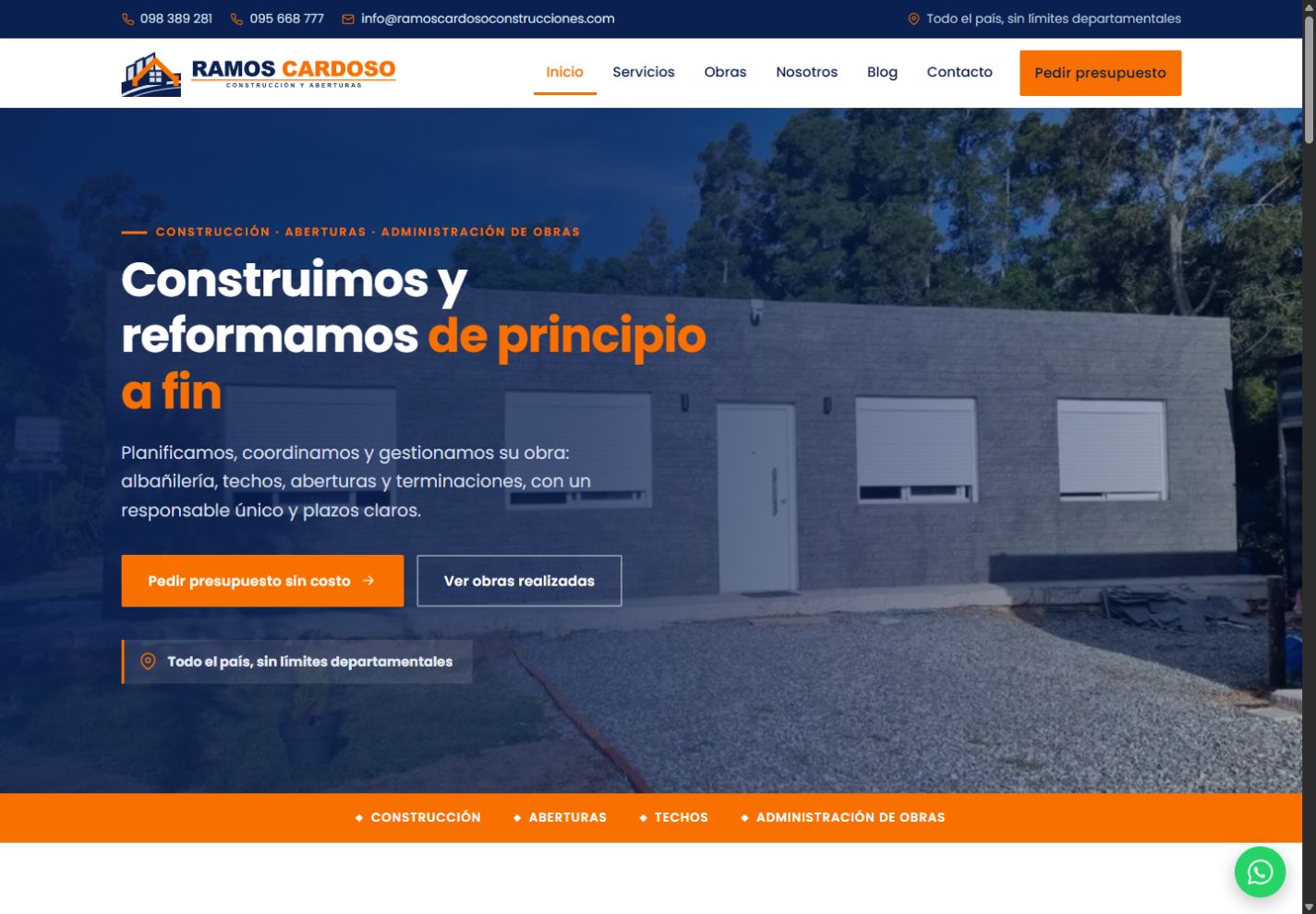
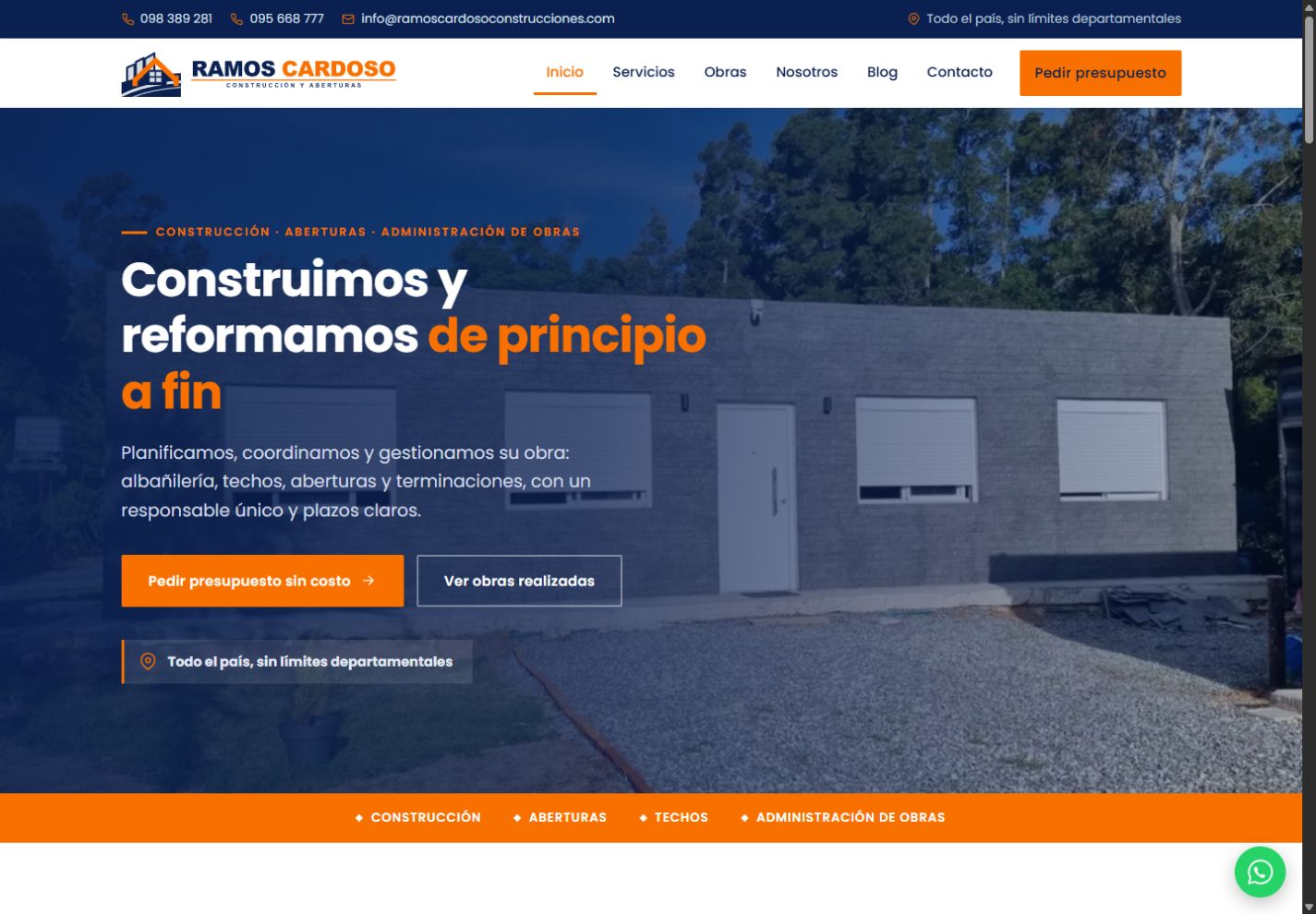
The published website, captured in November 2026.
Give photographs useful context
Construction photographs become more useful when their subject is clear. An image might show a finished home, a structure during installation or a particular interior detail. In an unexplained gallery, the visitor has to work out what the contractor handled and why that example matters.
The Ramos Cardoso portfolio connects each project with a description and its photographs. Visitors can filter the listing by service and location. Individual pages provide space for more context, while the management area supports arranging photographs by stage of the work.
The published examples include homes, roof refurbishment, thatched roofing, ceilings and exterior finishes. That variety allows someone to explore the business through tangible work. A visitor interested in a roof can review a related example and then continue towards the service information or a quote request.
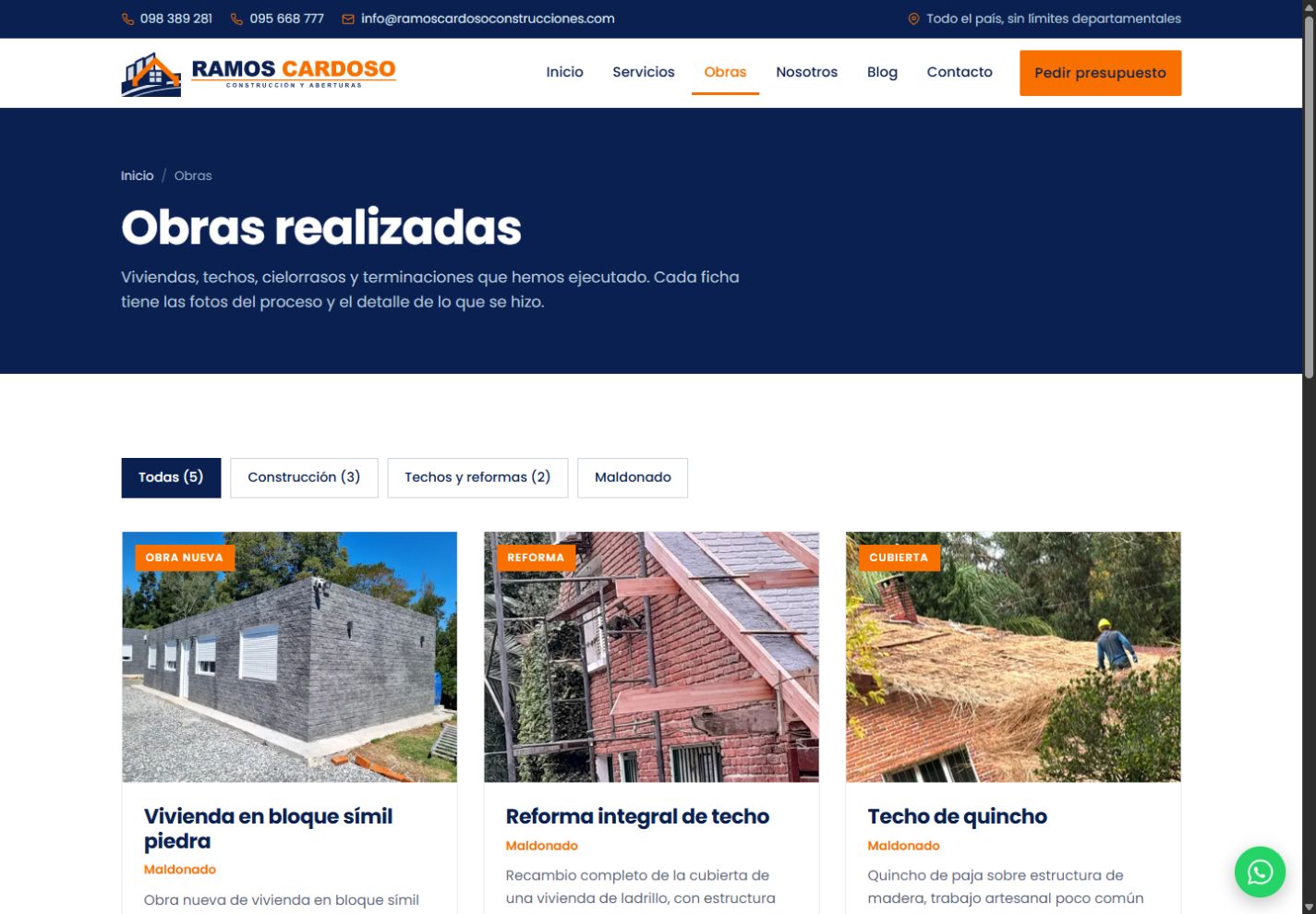
The portfolio connects project descriptions and photographs, with filters for exploring the work.
Preparing the website included organising the supplied photography around that journey. The images provide visual evidence of the work and the copy explains its scope. Those two parts need to stay connected when the company adds its next project. A caption and a short description can make an otherwise ambiguous photograph much easier to interpret.
Explain what happens after an enquiry
Requesting a quote usually starts a conversation. Before making contact, someone may want to know whether there will be a site visit, what information they should provide and how the work is organised. The website describes a sequence from the initial survey through quotation, planning, execution and handover.
It also presents how the company coordinates construction management. That explanation helps distinguish an entire project from a single trade or isolated piece of work. For the website, the task is to make the process understandable and connect it to an appropriate contact route.
Telephone, WhatsApp and forms accommodate different preferences. Some people want to send a short message; others need room to explain a refurbishment. Quote requests have their own journey, and enquiries are stored for review in the management area. The business has a place to continue the conversation after the visitor leaves the page.
Account for people browsing on a phone
A construction website might be opened at home, from a recommendation or while visiting a building site. The screen and connection will not always resemble an office computer. The mobile experience therefore needs to be considered from the beginning.
The public pages use static server rendering. A visitor receives the page content without needing an interactive Blazor session to read a service description or review a project. More involved interactivity belongs in the administration area, where it supports editing tasks.
Photographs have WebP versions at different widths, allowing the browser to choose an appropriate source. Fonts are served by the application itself. These decisions support a lightweight, readable presentation. Actual performance still needs evaluating under real device and network conditions; an implementation choice alone does not establish a measured speed improvement.
Let the portfolio follow the business
The next completed job should be able to become a new project entry without rebuilding the website. The management area therefore covers services, projects, galleries and articles, alongside contact details, company information and site copy.
This editorial capability has a practical purpose. The website can follow the business's everyday activity. The team can add photographs, correct a description or update a contact number from the same environment. Received enquiries are also available there for follow-up, linking the public presentation with the work that happens afterwards.
The implementation uses .NET 10, Blazor, Entity Framework Core and SQL Server. Its shared content foundation supports both the public pages and the administration experience. Each interface can then concentrate on the task of its audience: finding information or maintaining it.
Connect the blog to real questions
The website includes construction advice about topics such as roofing, windows and building costs. Articles can develop questions that would be too extensive for a service card and help visitors prepare for a discussion with the company.
The blog, portfolio and service pages perform complementary roles. Articles explain, project entries show completed work and service pages organise the offer. Metadata and the sitemap support that structure, while the usefulness of the content depends on the clarity and relevance of what the business publishes.
This also gives the team a way to use recurring enquiries. A question that arrives repeatedly may deserve a clearer service explanation or a future article. The content can evolve from what customers actually ask, with project photographs providing fresh examples as work progresses.
The delivered result and its next stage
The delivery connects the company's presentation with its project portfolio, contact channels and management tools. The published website lets visitors move between those elements in one experience. New projects, recurring questions and real usage can now guide its development. Enquiry growth or search performance would need to be assessed using evidence over time.
If you are planning a construction or service business website, start by gathering examples, explaining their scope and deciding how to keep them current. Explore the Ramos Cardoso case study, then tell us what your business needs. That material provides a practical foundation for defining a useful website.