
Choosing the interface technology for an ERP or customer portal affects more than the appearance of its screens. It shapes how the team delivers changes, where application code runs and what happens when a user's connection becomes unreliable. Blazor deserves consideration when a business already invests in .NET, but the decision should begin with the work people need to complete.
Imagine a distributor replacing an internal order-entry system. Office staff keep it open all day, sales representatives use it on customer visits, and customers occasionally check delivery information. These are three different interaction patterns. A useful technology assessment asks how each will behave before declaring one framework the answer to every screen.
Separate the workflow from the framework preference
List the journeys the first release must support. For each, record the expected device, connection quality, session duration and complexity of interaction. Include realistic details such as large product catalogues, barcode input and long forms. A demonstration with a few rows and perfect connectivity answers a much smaller question.
Identify the team's existing skills and the components it already maintains. Reusing C# knowledge can make collaboration easier, but existing knowledge does not remove the need for frontend design, accessibility and browser diagnostics. Count those responsibilities explicitly when estimating delivery capacity.
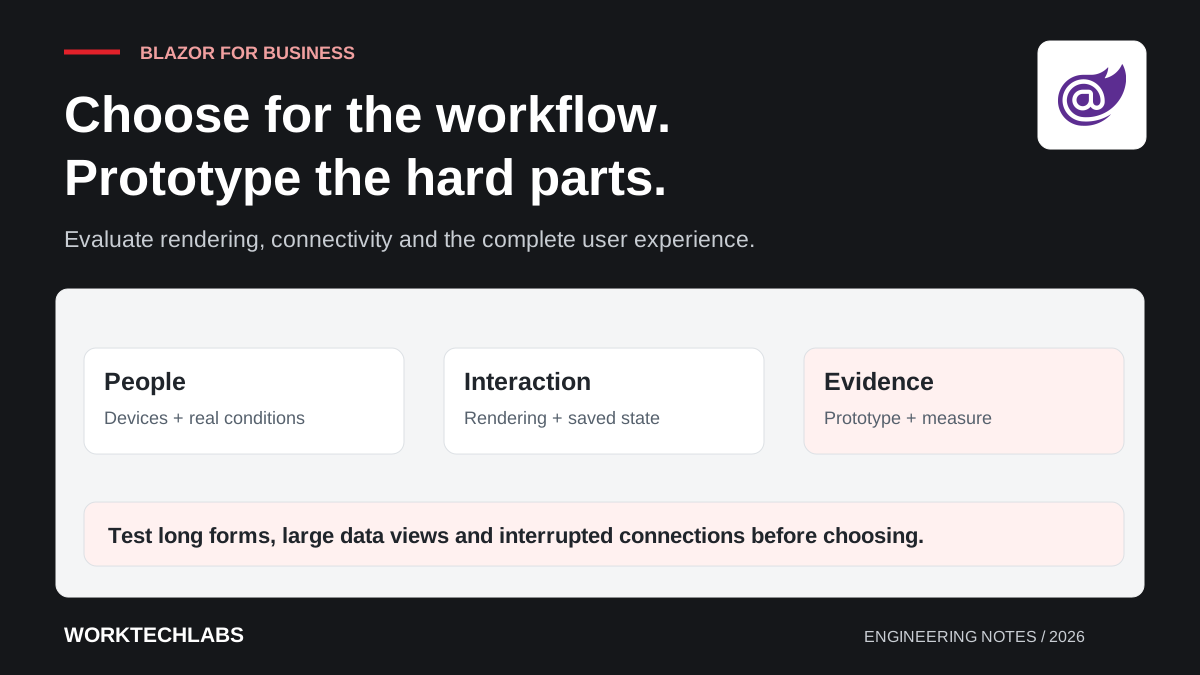
Choose two or three difficult journeys for a prototype. One should represent ordinary work, another a demanding data view, and another a weak-network or recovery scenario. Give the prototype acceptance criteria so the team learns something measurable instead of simply producing an attractive demonstration.
Understand where interaction runs
Blazor Web Apps support different rendering modes, including static server rendering, interactive server rendering and interactive WebAssembly. Interactive Auto combines an initial server approach with client execution on subsequent visits once the required resources are available. Microsoft's documentation explains the boundaries and configuration of each mode. Blazor render modes.
Use those options to discuss application behaviour. A public information page and a complex internal editing screen do not necessarily need identical interactivity. Establish which parts require browser execution, which depend on a live server connection and which can remain ordinary rendered content.
Avoid describing a rendering choice as a guarantee of offline operation. A workflow also depends on its data, authentication, assets and synchronisation design. If technicians must finish work without connectivity, assess that requirement directly rather than inferring it from where a component's code executes.
Prototype the connection and session behaviour
For the hypothetical distributor, test a representative order that takes several minutes to enter. Interrupt the connection, suspend the device and return after a break. Observe whether the user understands what was saved, whether their selections remain available and what they must do to continue safely.
Decide how important drafts are stored. Keeping an unsaved form in a running session may be acceptable for a short search, but it deserves a different decision for a detailed quotation. Define the point at which a draft becomes recoverable and make that state visible to the user.
Include concurrent use. The customer record may change while the sales representative is editing an order. The interface should present a meaningful conflict or refresh decision rather than silently discarding one person's work. These behaviours matter to business reliability regardless of the selected frontend technology.
Treat component selection as a maintenance decision
Business interfaces often need grids, date inputs, rich validation, file handling and export facilities. Evaluate available components against the actual workflow, including keyboard use and realistic data sizes. A grid that looks excellent with twenty records may behave differently when users filter a long operational history.
Consider licensing, update cadence, customisation and the ability to diagnose problems. Ask who owns a component-specific workaround and how it will be tested after upgrades. The apparent speed of assembling the first screen can be offset by a large set of undocumented exceptions later.
Keep business rules outside presentation-specific code where practical. A pricing rule should remain understandable and testable when a screen is redesigned or another client uses the same operation. Share appropriate contracts and validation intent without assuming that all server implementation details belong in the browser.
Measure the complete user experience
Set an evidence-based target for opening the application, finding a record and completing a transaction. Measure on the devices and networks the intended users actually have. Include initial loading and repeat visits, because those can have different characteristics and matter differently to occasional customers and daily staff.
Look beyond response time. A fast screen can still require too many steps, provide unclear errors or conceal a failed save. Ask users to complete a realistic task without coaching and note where they hesitate. That observation often identifies a more valuable improvement than a small rendering optimisation.
Test accessibility and responsive behaviour throughout the prototype. Long labels, translated text, browser zoom and keyboard navigation should be part of the assessment. The framework provides building blocks; the finished workflow still needs deliberate design and verification. Our business accessibility guide provides a useful companion.
Choose a delivery shape the team can sustain
Document the selected rendering approach and why it fits the initial audience. Include its known limitations and the conditions that would justify revisiting it. This turns an opinion about technology into a decision that future developers can understand when the application's audience changes.
Estimate the operating work alongside implementation. Consider diagnostics, session behaviour, authentication, testing and dependency updates. A familiar programming language can reduce some learning effort while leaving these responsibilities intact. Budget for them explicitly rather than discovering them during the first production incident.
Blazor can be a strong candidate for a .NET business application when the prototype demonstrates the required experience and the team can maintain the chosen architecture. Worktechlabs can help evaluate and build customer portals and internal applications, using real workflows to guide the technology decision and a staged release to validate the result.
Official sources and further reading
- Microsoft: Blazor render modes — where rendering and interaction execute.
- Microsoft: ASP.NET Core Blazor — framework documentation and implementation guidance.
