
Adding a second language to a business application changes more than its headings. Dates, decimal separators, validation messages, search behaviour and generated documents can all affect whether users interpret information correctly. A partially translated interface may look finished while still producing confusing or inconsistent results during everyday work.
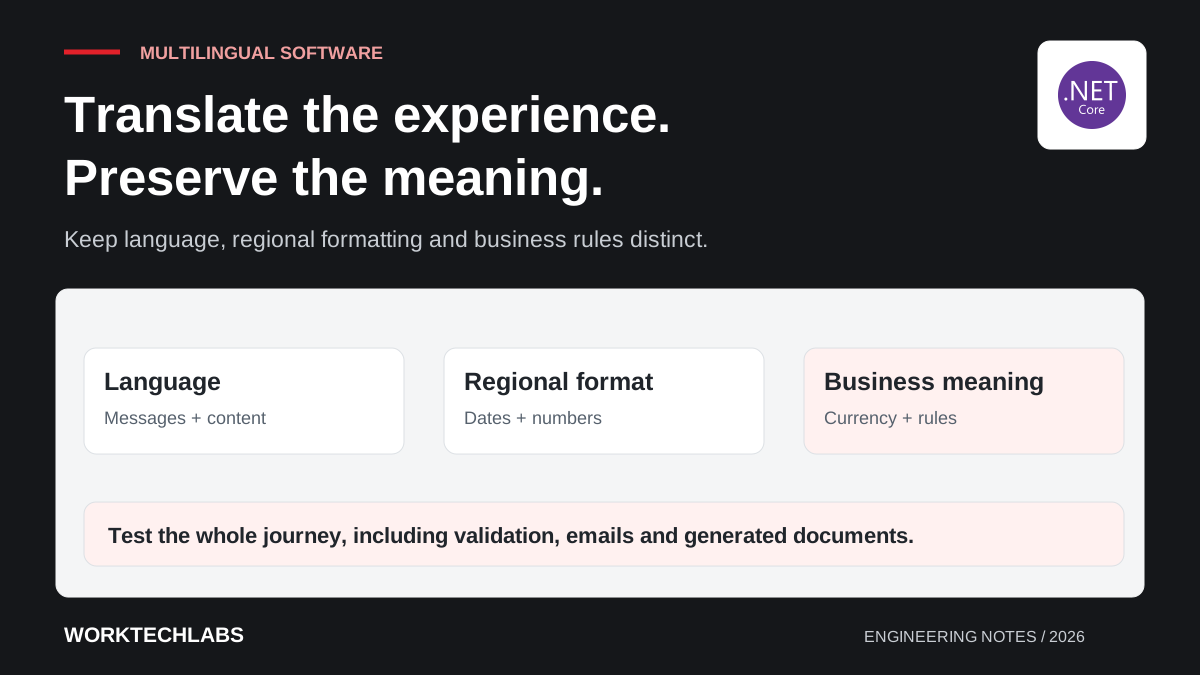
Localisation is easier to maintain when the application separates language, regional formatting and business rules. Those concepts often overlap, but they are not identical. A user may prefer English text while working with a customer's currency or a transaction scheduled in another timezone. The design should make those choices explicit instead of deriving all of them from one language switch.
Identify what needs translation and what needs a rule
Inventory the user-facing content: navigation, field labels, validation, notifications, emails, documents and help text. Include content supplied by the CMS and messages generated by background services. A language feature is incomplete if the main screen changes but the confirmation email remains in an unexpected language.
Separate translated text from business values that require consistent interpretation. Status codes, product identifiers and stored enum values should not change merely because their labels are displayed differently. The application can show a translated description while preserving a stable internal meaning.
For a hypothetical service platform, “scheduled” may appear in several languages while the underlying job state remains the same. A change to the business lifecycle should follow the normal product process, rather than occurring accidentally because translators used words with different operational meanings.
Choose how preferences are established
Decide whether language comes from a user profile, a browser preference, a selected route or another explicit setting. Make the precedence understandable and give users a dependable way to change it. Avoid an application that repeatedly overrides a person's selection based on an assumption about their location.
ASP.NET Core provides infrastructure for culture selection and localised resources. Microsoft's globalisation and localisation documentation explains the relevant concepts and providers. The product still needs to decide which preferences it supports and how they apply to its own users and background work.
Persist the appropriate context for generated content. A scheduled email should not inherit an arbitrary server culture because no browser request is active when it is sent. Record which recipient or document preference governs the output and what happens if that preference is unavailable.
Keep complete messages together
Store user-facing messages as translatable units rather than assembling sentences from fragments that assume one language's word order. Include parameters with clear meaning and give translators enough context to understand how the message is used.
Handle singular, plural and variable content deliberately. A message describing one failed record may need a different form from a message describing several. Avoid treating a simple letter added to an English noun as a general solution for every supported language.
Maintain a terminology guide for important business concepts. The same approval state or customer role should not receive several competing translations across the application. Review terminology with people who understand the workflow, especially where an apparently natural translation could imply a different action.
Format values for people and store them consistently
Use the appropriate regional format when displaying dates and numbers, while keeping storage and machine-to-machine exchanges unambiguous. A value such as a date written with two short numeric components can be interpreted differently across regions. Prefer presentation that matches the user's context and clearly communicates the intended meaning.
Validate input according to the interface's stated expectations. If a field displays one decimal convention but accepts another without explanation, users can enter an unintended amount. Test parsing and formatting together instead of assuming that changing the display culture also fixes every input path.
Keep currency and timezone separate from language. A translated invoice does not automatically change the transaction's currency. A user viewing a booking in a different timezone needs a clear explanation of the relevant scheduled time, particularly where local time changes during the year.
Plan for translated content and fallback
For CMS-managed pages, decide which fields require translation before publication and which may fall back to a default language. Make the fallback intentional. Showing an English body beneath a translated title can be acceptable in some contexts, but it should not happen because the publishing process silently lost a required translation.
Track changes to the source content so editors know when translations may be out of date. A translated support instruction can become misleading after the underlying workflow changes, even though the text remains grammatically correct. Give content owners a way to review that relationship.
Consider URLs, metadata and search results alongside visible body text. Readers should be able to understand where a link will take them and which language is available. Preserve stable links where possible and define how the site handles a request for a language version that does not exist.
Test the layout with realistic expansion
Translated labels can be longer than the original text. Review buttons, navigation, tables and error messages at narrow widths and with enlarged text. A fixed-width control that fits a short English label may clip a perfectly reasonable translation.
Use realistic names and addresses with accents and non-ASCII characters. Check entry, storage, sorting, export and document generation. A screen that displays a character correctly can still lose it in an integration or a generated file.
If supporting languages with different writing directions, treat the layout and interaction implications as explicit work. Do not assume that replacing strings is enough. Scope the required language support honestly and test the journeys that users must complete in each supported configuration.
Make translation part of delivery
Include new and changed messages in the development workflow. Keep resource keys understandable, avoid unused duplicates and provide a review route for translations. A feature that introduces an untranslated validation path should be visible before it reaches customers.
Check a representative journey end to end in every supported language: enter information, trigger a validation error, save successfully and inspect the generated output. This reveals gaps between frontend resources, backend messages and background processing that a page-by-page visual review may miss.
Worktechlabs builds business applications and websites that can support multilingual workflows without confusing language with data meaning. Pair localisation with accessibility review so translated content remains understandable, operable and maintainable as the product evolves.
