
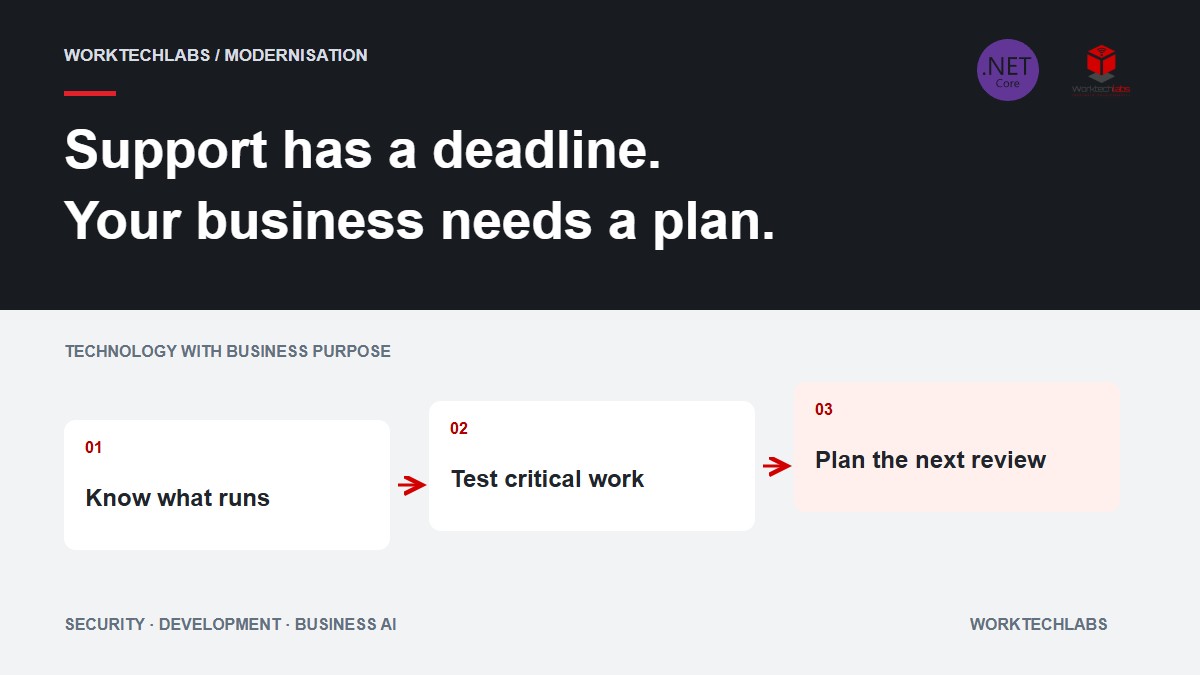
An application can continue working after its platform reaches the end of support. Customers still log in, invoices are produced and the hosting service remains available. That visible continuity can hide a change in the organisation's position: the version underneath the application no longer has the same servicing and support path.
For a business, a platform deadline belongs in operational planning. It affects when maintenance should be funded, who needs to approve testing and how much time suppliers have to resolve compatibility problems. Waiting for an outage to make the issue visible can leave fewer options than dealing with the calendar while the system is healthy.
The concrete .NET dates behind the discussion
Microsoft gives 10 November 2026 as the end-of-support date for .NET 8 and .NET 9. Its notice explains that servicing updates, security fixes and technical support for those versions end after that date. The official policy lists .NET 10 as an LTS release with support ending on 14 November 2028. These are platform dates, not a statement that every application can move without changes. See the .NET support notice and official support policy.
Use those dates to start an application-specific conversation. An application depending on an unsupported third-party component may require more than changing its target framework. A packaged application may depend on the supplier's release plan. Record those dependencies instead of assuming that the runtime's lifecycle describes the entire system.
Inventory what actually runs
Ask the technical team to identify the deployed application, its runtime and the infrastructure that hosts it. Include scheduled jobs, background workers and small integration services. They may be less visible than the website while remaining essential to billing, stock updates or customer notifications.
Check the production deployment rather than relying only on a project file or a developer's workstation. A machine can have several runtimes installed, and a container or self-contained application can carry its own runtime. The important question is which version each business service actually uses and how that deployment is updated.
Record an owner and a business purpose for each entry. A spreadsheet full of version numbers is not an operating plan if nobody knows which team should approve the work. Link the service to the customer or staff task it supports so its priority can be discussed in terms the business understands.
Separate the deadline from the migration scope
The support date tells you when a particular support arrangement changes. It does not determine how many days your migration will require. Estimate the work from dependencies, tests, deployment arrangements and the behaviour that must be preserved.
For a straightforward internal tool with repeatable builds and a small set of integrations, the investigation may be relatively bounded. For a heavily customised ERP interface with undocumented rules, the main work may be understanding existing behaviour. Treat those as different projects even if both currently use the same runtime.
Ask for a short discovery result before accepting a detailed schedule. It should identify compatibility concerns, missing tests and decisions requiring the software supplier or business owner. That gives the company a basis for choosing an achievable scope rather than approving a date based on optimism.
Test the transactions people depend on
Choose business examples that would reveal a meaningful regression: calculating a quotation, importing an order, producing an invoice or generating a report used for dispatch. Capture expected results from known inputs and agree who can confirm them.
Technical build success is necessary, but it does not prove those transactions remain correct. A changed dependency may affect formatting, authentication, data access or external communication. Include the important integration boundaries in the evidence requested for release.
Plan representative test data and access early. A migration can be delayed because nobody can reproduce the customer configuration or obtain a safe example of a difficult record. The business can help by identifying the exceptions that matter, while the technical team prepares an appropriate environment and data-handling approach.
Include deployment and recovery in the proposal
Agree how the new version reaches production and how the team will know it works. For a customer-facing service, that includes checking a complete transaction after deployment. Assign responsibility for watching the result and responding if the behaviour differs from expectations.
Discuss the limits of rollback. Returning to an old application version can be straightforward when its data remains compatible. A database change may require a different recovery plan. Ask the team to explain what can be reversed, what needs reconciliation and what conditions would stop the release.
Avoid coupling unrelated improvements to an urgent lifecycle change without a clear reason. A new feature, major redesign and platform update can each be sensible, but combining them increases the amount of behaviour that needs understanding. Decide deliberately which changes belong together and which should follow separately.
Make supplier responsibility explicit
If another company supplies a component or application, ask for its supported-version statement and upgrade path. Record whether the proposed release covers your actual extensions and integrations. A general announcement does not prove that your customised installation is included.
Clarify who investigates a problem that appears only at the boundary between suppliers. For example, the application team may need to work with an ERP vendor on an authentication change. Make time for that coordination and identify the person who can make the commercial decision if a paid upgrade is required.
After the change, update the operating documentation. The support team needs the deployed version, build and release procedure, remaining exceptions and the next review date. Otherwise the company may complete one upgrade successfully while setting itself up for the same uncertainty at the next deadline.
Put lifecycle review into ordinary maintenance
Maintain a small calendar of significant platform and dependency dates. Review it alongside planned releases and business events such as seasonal peaks or year-end processing. The aim is to create enough room for investigation and testing without treating every maintenance task as an emergency.
Worktechlabs can help assess an existing .NET application, establish the migration scope and connect the result to ongoing support. Bring the application inventory, current suppliers, deployment information and examples of critical transactions. A useful first deliverable is a prioritised plan with clear owners and testable release conditions, so a public support deadline becomes manageable work inside your business.
Lifecycle information verified on 7 October 2026 against Microsoft's published policy. Check the current policy and the support status of individual dependencies when planning implementation.