

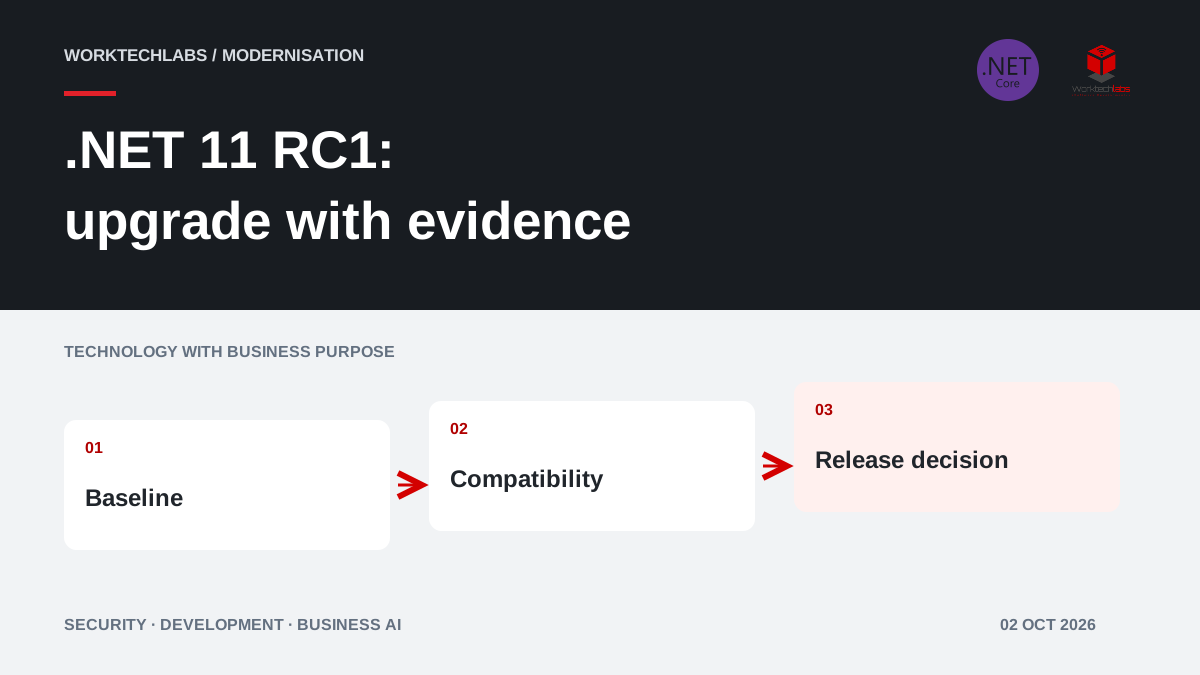
A new .NET release creates two different conversations. Developers want to explore new capabilities; the business wants to know whether the change improves delivery, reduces an operating problem or creates an avoidable interruption. A useful upgrade plan brings those conversations together before the team changes a production system.
Microsoft released .NET 11 Release Candidate 1 on 8 September 2026, with a go-live support licence. At the time of this review, 2 October 2026, it is a release candidate, not the final general-availability release. That distinction should appear in the project decision rather than disappear behind a headline saying that the next version has arrived.
Separate the announcement from your reason to upgrade
Go-live support is relevant, but it does not validate your application, integrations or supplier packages. Ask which problem the upgrade would address. Perhaps release builds are difficult to reproduce, a supported library requires a newer platform or a long-running browser session behaves poorly when authentication changes. Each is a different investigation with different acceptance evidence.
Consider a hypothetical booking business whose application runs reliably on a supported .NET release. Moving immediately because a new SDK exists may offer little customer benefit. A short compatibility assessment could still be valuable: it gives the business an informed plan, identifies dependency work early and avoids turning a future support deadline into an emergency project.
Record the decision as an outcome, such as reducing deployment uncertainty or removing a specific compatibility constraint. Avoid treating a version number as the business result. A customer notices reliable bookings and correct confirmations, not which runtime label appears in the build log.
Identify the changes that could matter to your application
The RC1 announcement includes improvements to container publishing and authentication refresh in SignalR and Blazor Server. Those are useful areas to investigate for teams operating containerised services or interactive applications. Experimental Blazor AI components are a separate opportunity to prototype; their presence in the release does not make every related package production-ready.
Select one or two changes with a plausible connection to your workload. For container publishing, compare the build process and resulting artifacts. For authentication, exercise the actual session lifecycle. Do not create a project that attempts to demonstrate every feature in the announcement. That approach expands the scope before anyone knows which capability is useful.
Keep claims proportional to the evidence. A framework improvement does not automatically reduce your cloud bill, and a successful demonstration does not establish a measurable productivity gain. Define the comparison that would let the business decide whether further investment is justified.
Make the baseline reproducible before changing it
Capture the current runtime, SDK, package versions, operating system and deployment configuration. Confirm that another developer or build agent can reproduce the existing application. If the present build depends on undocumented files from one laptop, upgrading the framework may reveal the problem without being its cause.
Create a separate upgrade branch and test environment. Pin the intended SDK and review container base images and build runners together. Document where runtime and SDK versions are selected; they are not always controlled in the same place. This helps explain why local compilation can succeed while the delivery pipeline fails.
For the booking business, record a small baseline: a new booking, a changed appointment, an unavailable slot and a confirmation sent once. Preserve the inputs and expected results. Those examples become more valuable than a screenshot showing that the upgraded homepage loads.
Review compatibility through business behaviour
Microsoft maintains a list of .NET 11 breaking changes. Use it alongside the packages and features your application actually uses. A clean compilation cannot prove that serialisation, authentication, database access or external integrations still behave as the business expects.
Ask each dependency owner to state support for the intended target. Include commercial reporting tools, payment integrations and deployment extensions, not only packages maintained by Microsoft. Record an unsupported component as a decision to resolve, rather than hiding it in a general statement that the application is compatible.
Compare outputs with realistic data and authorised test accounts. If a response changes, classify it as an approved improvement, a required compatibility adjustment or an unexplained regression. Give business owners a way to accept intentional differences. Otherwise a migration can drift into recreating old defects simply because they existed before.
Test sessions, integrations and recovery paths
Interactive applications need more than a successful login test. Check expiry, changed permissions, disconnected clients and reconnection. A user whose access has changed should not keep performing an action because an old browser session still appears active. Equally, a routine refresh should not silently discard legitimate unfinished work.
For integrations, test timeouts and repeated requests. If a booking confirmation succeeds but the caller does not receive the response, the retry must not create another reservation. These behaviours matter during ordinary operation and become especially important when infrastructure and dependencies change together.
Choose tests around likely consequences. Confirm what the customer sees, what the operator sees and what the stored record says after a failure. A collection of low-level checks can all pass while those three views disagree. Reconcile them before calling the upgraded application ready.
Measure performance on work the business recognises
Use comparable infrastructure, data volumes and traffic patterns for the old and new versions. Include the slowest meaningful paths, not only an easy endpoint. Track response time, resource use and completed business transactions. Explain any change in the test setup that could account for an apparent improvement.
Do not turn a small benchmark into a forecast for the entire company. If a report runs faster, establish how often it is used and whether it was actually delaying decisions. If build times improve, check whether deployment queues or approval delays still dominate delivery. The value depends on the process around the measured operation.
Include operational effort in the evaluation. A platform change that improves one metric but makes investigation harder may need additional work before it is worthwhile. Ask the team responsible for support to review logs, traces and recovery information during the pilot.
Plan release and maintenance as one commitment
Choose a rollout that matches the application: a limited internal audience, a separate customer group or a controlled deployment window. Keep the previous application artifact available and verify whether it can read any data written by the new version. Reverting the executable is not enough if the upgrade also introduced incompatible database changes.
Check the current .NET support policy when agreeing the maintenance plan. Record who will move the application from the candidate to an appropriate subsequent release, who handles security updates and which evidence must be repeated. A supported platform still needs a maintained application.
For a small team, this can be a short written agreement rather than a large governance programme. Name the owner, review date, release criteria and recovery responsibility. Ensure the business understands the operating commitment as well as the development estimate.
Make the first deliverable a decision with evidence
A useful assessment ends with a dependency inventory, the tested business journeys, measured differences and remaining blockers. It should support a choice: proceed, wait for a particular dependency or remain on the current supported release while addressing other priorities. Waiting can be a reasoned decision when the next step is explicit.
Worktechlabs can assess the application and plan a focused .NET development and upgrade engagement. Our guide to predictable software deployments complements the technical assessment. The purpose is to turn a platform announcement into an application change that the business can understand, verify and maintain.
Official sources and further reading
