

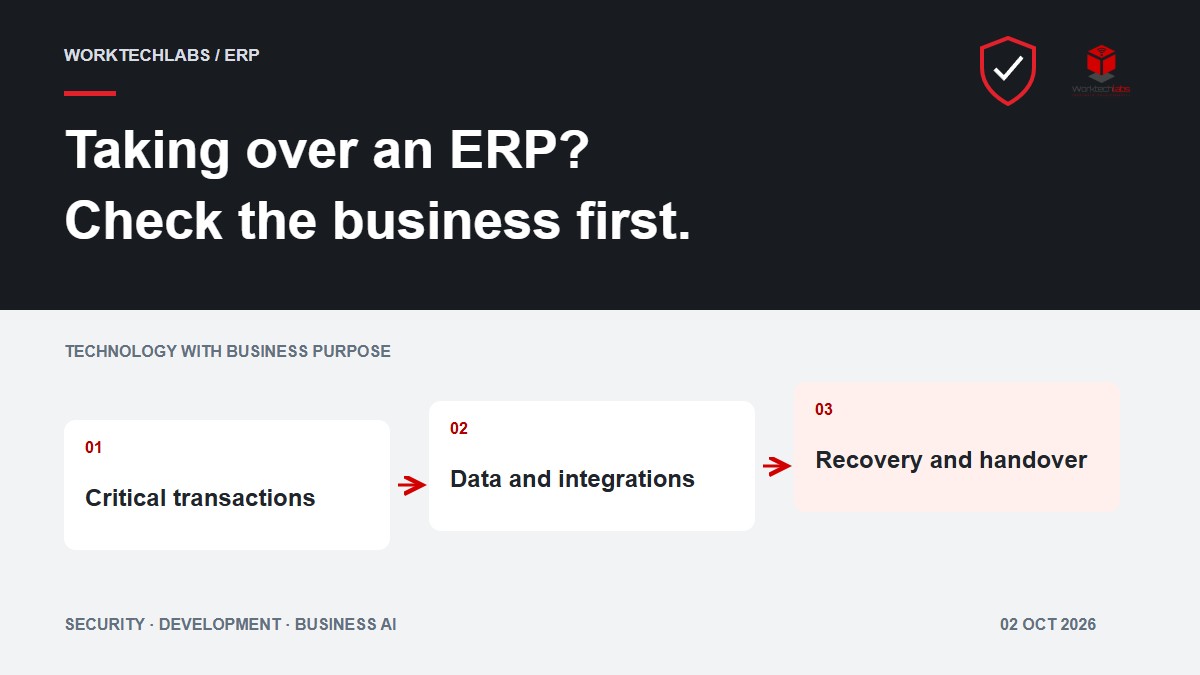
A company is changing the team that maintains its ERP. Orders still arrive, the warehouse still dispatches goods and finance still needs dependable records. The handover therefore has to establish whether the new team can support those activities, understand the exceptions and recover when an integration fails. Receiving a repository and an administrator account is only the beginning.
An ERP technical due diligence checklist connects software evidence to the transactions the business depends on. Use it before taking responsibility for an existing system, commissioning a major extension or planning a replacement. This guide concentrates on ERP operations. Our broader software technical due diligence guide covers the application review behind them.
Define the decision and the critical transactions
Write down the decision the review must support. Taking over maintenance, connecting a customer portal and replacing the finance interface require different evidence. Name the business owner who can explain the expected result and accept the findings. Agree access to an appropriate test environment and representative, authorised data before scheduling demonstrations.
Select complete journeys such as order to payment, purchase to receipt and stock adjustment to reporting. Include an ordinary transaction and a consequential exception for each. Ask which activity stops if the system is unavailable and which manual fallback the team can actually perform. This gives the review a practical order of work.
Microsoft's process-focused implementation guidance provides a useful reference for connecting roles, activities, data and systems. Apply that perspective to the ERP you are inheriting, whether it is a standard product with extensions or a bespoke application.
Trace one order across the whole system
Consider an illustrative UK distributor using a customer portal, a bespoke order module, a warehouse application and a separate accounting system. This is a hypothetical review scenario, not a client case study. A portal confirmation alone cannot prove that the complete sale is correctly recorded.
Follow one authorised test order through these steps:
- Capture the request. Identify the customer, delivery site, requested products and original submission reference. Check who may act for that account.
- Accept the commercial terms. Confirm the current price, currency, units and approval. Compare the stored order with what the buyer accepted, including the configuration that produced it.
- Reserve and dispatch. Trace stock allocation, partial fulfilment and any substitution. Find the owner of a request that reaches the warehouse but cannot be completed.
- Record the financial outcome. Follow the relevant document and its reference into accounting. Ask the finance owner to explain the treatment of a cancellation, return or credit using an agreed test case.
- Reconcile the result. Compare records across the systems at an agreed cut-off. A successful API response is evidence of one interaction, not proof that every downstream record agrees.
Then repeat the journey with a duplicated message and an integration timeout. Establish how the team distinguishes an unprocessed request from one that completed but lost its acknowledgement. Record the evidence and remaining uncertainty, rather than treating a successful demonstration as proof of every variation.
Use a checklist with evidence and owners
For every item below, record the evidence location, reviewer, result, limitation and next action. Use clear outcomes such as verified, failed and not examined. A missing document or an unavailable environment remains an open point.
- Business rules and configuration. Identify where prices, discounts, stock rules, approvals and document numbering are defined. Request examples accepted by the process owner and trace the relevant configuration or code. Check how staff recognise a rule that changed after an old transaction.
- Customisations and dependencies. Separate standard product behaviour, supported configuration and custom extensions. List scheduled jobs, external services and supplier-managed components. Establish which source, build instructions, service accounts and support arrangements are available to the incoming team.
- Data ownership and identifiers. Name the authoritative system for customers, products, orders and financial records. Inspect mappings between identifiers, duplicate handling, units and currencies. Find out whether a user correction updates another system or leaves a discrepancy for manual resolution.
- Integrations and unfinished work. For each interface, identify its trigger, payload, acknowledgement and recovery owner. Inspect retry behaviour and a recent failure example. Demonstrate how to resume work without creating a second order, shipment or financial document.
- Permissions and approvals. Test representative staff roles and separate customer accounts. Check that someone who prepares a transaction cannot silently bypass its required approval. Examine what happens when responsibilities change or a service credential expires.
- Data reconciliation. Agree comparison rules with the people who use the records. Check counts alongside amounts, statuses and important relationships. Explain differences such as timing, cancelled documents or a unit conversion instead of declaring success because two totals happen to match.
- Release and recovery. Demonstrate a repeatable build, deployment to an isolated environment and restoration of a representative backup. Record dependencies, elapsed recovery time and checks needed before work resumes. Verify the recovery route for external services as well as the database.
- Operational ownership. Identify who receives alerts, handles out-of-hours failures where required and authorises manual intervention. Ask the incoming team to investigate a controlled failure using the supplied instructions. A handover is incomplete if only the outgoing developer knows where to look.
Microsoft's data management guidance is a reference for planning data responsibilities. Your review should still specify which records were checked, which comparisons were made and what remains outside the sample.
Turn discrepancies into decisions
Suppose the test portal shows an accepted order, the warehouse contains one shipment and accounting has two records for the same submission. Do not correct a production record during the review merely to make the totals agree. Preserve the evidence, reproduce the problem in the agreed environment and establish the cause with the relevant owners.
A useful finding states the affected journey, observed condition, consequence, evidence and proposed action. For example, a retry may create another accounting document because the receiving process does not recognise the original reference. The action should include preventing that duplicate, identifying affected records and agreeing a controlled reconciliation route with finance.
Group findings by the decision they affect. An untested recovery process may need resolving before the handover. A slow but understood report may fit the maintenance plan. A proposed redesign belongs in a separate estimate with assumptions and dependencies. Avoid hiding these different commitments inside one overall software score.
Rehearse the handover and its recovery route
Ask the incoming team to make a small authorised change in a test environment, release it and demonstrate the recovery procedure. Use an example that crosses a relevant business boundary, such as a validation rule with a downstream report. Record the version, configuration and data conditions under which recovery is possible.
A database restore does not automatically undo an email, shipment or transaction accepted by another system. Plan how to identify and reconcile work that happened after the recovery point. Microsoft's safe deployment guidance can inform release controls; the ERP's actual transaction flows determine the recovery work.
Agree a bounded first phase
The review should leave the business with an evidence record, named owners for unresolved points and a prioritised first scope. State what the team can support immediately, what requires access or remediation, and what was not examined. Keep estimates tied to those conditions instead of turning every unknown into a promise.
Worktechlabs can help assess an existing ERP, review its integrations and plan legacy modernisation around working business processes. Tell us which ERP you are taking over and which transactions must keep running. We can discuss a focused review and the evidence needed before proposing the next stage.
Official sources and further reading
