

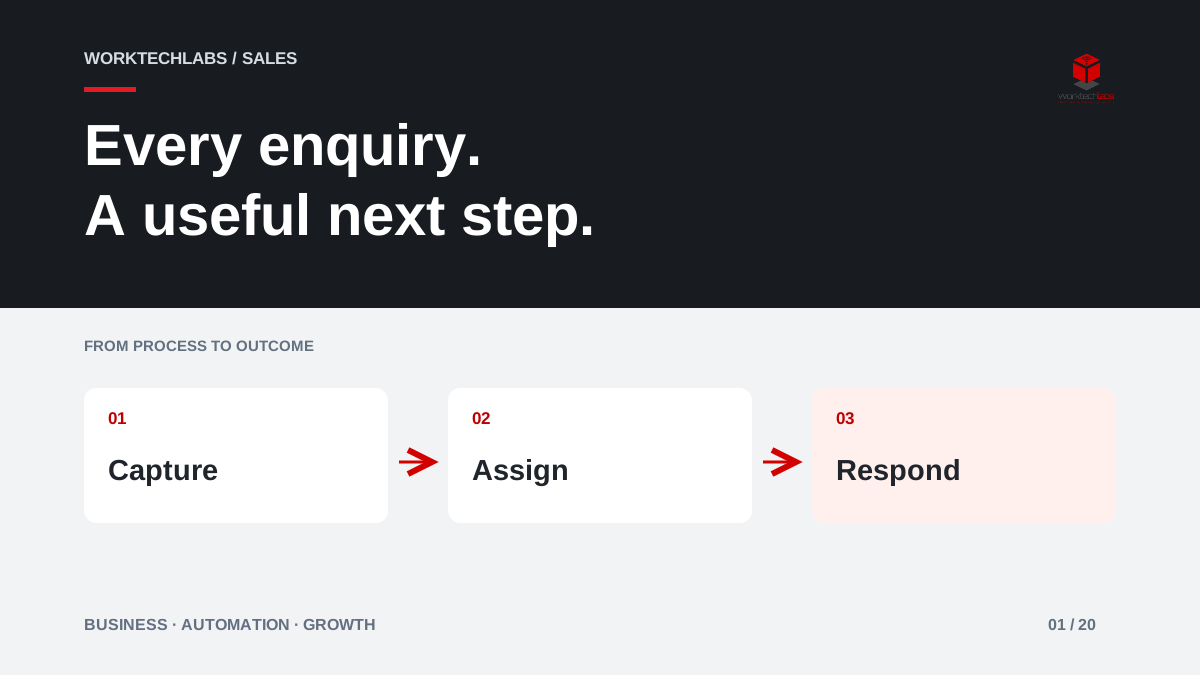
A potential customer completes your enquiry form while comparing three suppliers. Your team receives the email, but the person who normally answers is in a meeting. Someone forwards it, someone assumes it has been handled, and the customer eventually chooses another business. Buying more website traffic will not repair this gap. A reliable response process can help you make better use of the interest you already generate.
Automation cannot make an unsuitable enquiry become a good customer. It can make sure that a suitable enquiry reaches someone who can help, with enough context to have a useful conversation.
Start with the first useful response
An automatic receipt is useful, but it is not the same as answering the customer's question. Define two separate events: confirmation that the message arrived, and a meaningful response from the business. Otherwise, a dashboard can celebrate instant replies while customers still wait days for prices, availability or next steps.
Choose response expectations that match your opening hours and service. A specialist quotation may require an assessment; a standard appointment may only need a booking link. Tell the customer what will happen next and when, using commitments your team can actually meet. Avoid an impressive promise that fails every Friday afternoon.
Capture enough context without creating an obstacle
Begin with the minimum information needed to route the request: contact details, the service of interest and a short description. Add location or a deadline only when those details change the next action. A long form that asks for everything a salesperson might eventually need can discourage people before they explain their problem.
Preserve the original message alongside structured fields. A customer may select the wrong category but describe the right service clearly. The automation should help staff interpret the enquiry, rather than erase context in pursuit of tidy records. Keep a visible source and submission time so a forwarded email does not become a mysterious new lead.
Give every enquiry an owner and a next action
Consider an illustrative installation business. Requests within its normal service area go to the scheduling team; complex commercial projects go to a specialist; unclear requests enter a shared review queue. Every route needs a named owner or a team that actively accepts responsibility. A mailbox alone is not ownership.
Use explicit states such as received, assigned, awaiting information, appointment agreed and closed. Each open enquiry should have a next action and due time. If the assigned person is unavailable, a backup can see the same history. Escalation should draw attention to an overdue decision, rather than send increasingly urgent copies to everyone in the company.
Connect the website to the working sales process
The website, CRM and calendar should agree about the enquiry's identity. If a customer submits again or replies by email, staff need a way to recognise the existing conversation. Blindly creating a fresh opportunity every time makes the sales pipeline look larger and makes the customer repeat themselves.
Microsoft documents lead qualification as a distinct business process and provides workflows for converting qualified leads into opportunities. Those capabilities are useful reference points, but your qualification rules should reflect your own services. A request for support from an existing customer should not become a new sales prospect merely because it arrived through a general form.
An integration also needs a recovery path. If the CRM is temporarily unavailable, retain the enquiry, flag the failed transfer and allow a safe retry. Someone should be able to confirm that every submitted request either reached its destination or is waiting for attention.
Measure progress towards a conversation
Review meaningful response time, the share of enquiries with an owner, overdue actions, qualified conversations and eventual outcomes. Keep disqualified requests visible with a reason, such as an unsupported location or a service you do not offer. This helps marketing attract more relevant interest without blaming staff for requests the business could never fulfil.
Compare similar periods and enquiry types. A campaign offering a free consultation will behave differently from a page describing an expensive implementation. Faster responses may contribute to more conversations, but a before-and-after chart alone cannot prove that automation caused every additional sale. Pricing, demand and staffing may also have changed.
Pilot the awkward cases before expanding
Run a pilot with one enquiry route and the people who answer it daily. Include incomplete details, duplicate submissions, an absent salesperson, an existing customer and a request outside opening hours. Check the actual messages the customer receives, not only the internal workflow diagram.
Keep a short manual recovery guide: where to find unassigned requests, how to correct a route and when to contact the customer personally. Review a sample of closed enquiries with the team each week. A record marked complete can still hide an unanswered question, particularly when success has been defined as sending an email rather than helping someone move forward.
How Worktechlabs can help
Worktechlabs can help map your current enquiry journey, connect forms with the systems your team uses, and build clear ownership and follow-up into the process. The first deliverable should be a working route from submission to a useful response, with visible exceptions and a baseline for measuring improvement.
If your website generates interest that is difficult to manage, tell us where enquiries currently arrive. We can discuss a focused integration and automation project that gives your team more time for the conversations that require human judgement.
Official sources and further reading
