
A new developer clones the repository and discovers that the application needs a database, a message broker, several environment variables and another service running on an undocumented port. The team spends the first morning reconstructing a setup that worked on somebody else's machine. That delay is also evidence that the application's operating assumptions are not fully visible.
Aspire is worth evaluating when an application has several cooperating components and the team needs a clearer way to compose and inspect them. Its official documentation describes a code-based approach to composing, debugging and deploying distributed applications. The onboarding benefit depends on how deliberately the team describes its system and its prerequisites. Aspire FAQ.
Make the current setup observable before replacing it
Ask a developer who is unfamiliar with the project to follow the existing instructions. Record the missing steps, decisions and access requests without immediately fixing them on that person's machine. This produces a useful inventory of the knowledge the team currently relies on informally.
Separate application dependencies from developer tooling. The database and API are part of the running system; the SDK, container runtime and private package access are prerequisites for preparing it. Both need documentation, but they have different owners and failure modes.
For a hypothetical service company, the application might include a web portal, an API, a background worker and a database. Write down which components are required to demonstrate an ordinary workflow and which external integrations can be represented by a controlled test service. This makes the first useful local run a concrete target.
Describe the application relationships explicitly
Use the application model to express the resources and relationships needed for the selected local workflow. Give components clear names and make endpoints discoverable through the intended configuration path. Avoid leaving important connections dependent on a port number copied from an old chat message.
Distinguish starting a process from having a usable dependency. A database process can be running while the application still lacks its schema or representative data. Decide which readiness conditions matter and how those conditions are checked before a developer begins testing a journey.
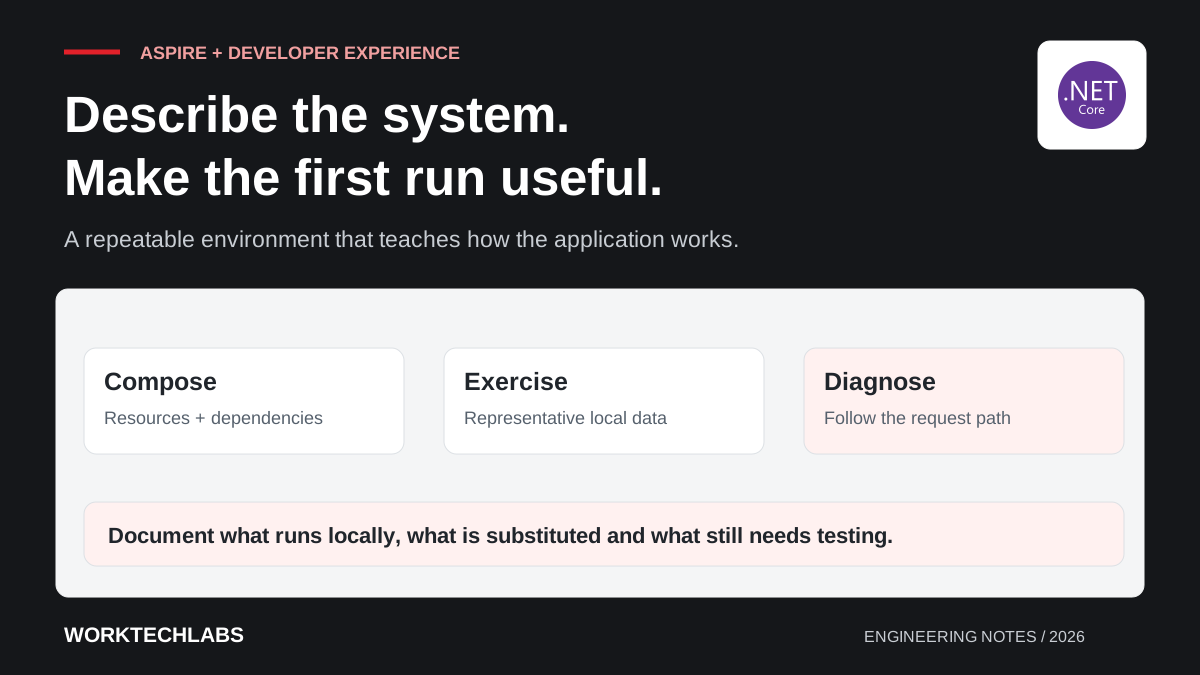
Keep the model small enough to understand. Reproducing every production service locally may be unnecessary or impractical. Document which components are real, which are substitutes and what those substitutions cannot verify. The goal is a dependable development environment with honest boundaries, not an impressive diagram that obscures its limitations.
Supply useful data without copying production casually
Create a repeatable set of synthetic records that demonstrates the important workflows. Include ordinary cases and a few meaningful exceptions: an inactive customer, an order requiring approval and a failed background operation. These records help a newcomer understand the application rather than merely confirm that it starts.
Make setup and reset behaviour explicit. A command intended to recreate disposable local data should be difficult to confuse with a command that targets a shared environment. Check environment names and connection destinations before implementing any destructive reset operation, and keep the normal startup path predictable.
Document how developers obtain required credentials through the organisation's approved mechanism. Do not put working production secrets into the application model or example files. Where a local substitute is used, explain which authentication and integration behaviours still need verification against a real test environment later.
Use diagnostics to teach the request path
An onboarding environment should help a developer understand what happens after a user clicks a button. Select a representative journey and trace it through the web application, API, database and worker. Ask the newcomer to identify where a validation failure, slow query or rejected external request becomes visible.
Aspire's dashboard provides a place to inspect application resources and telemetry. Use that visibility as part of the learning process, while ensuring the application emits meaningful diagnostic context. A screen full of events is not automatically helpful if the events cannot be connected to a particular request or business operation.
Prepare one controlled failure exercise, such as making the test integration unavailable. The developer should be able to observe the symptom, find the relevant component and explain the recovery path. This demonstrates practical understanding and exposes missing diagnostics before the person has to investigate a customer incident.
Keep development convenience connected to release reality
Document where local configuration differs from deployed environments. Identity, networking, persistence and external-service behaviour may change substantially outside a developer machine. A successful local run is one layer of evidence, not a replacement for integration and deployment checks.
Make build and test commands usable without requiring someone to click through a personal IDE configuration. The same repository should explain how automation restores dependencies, builds the application and executes appropriate checks. Use explicit versions and repeatable commands where those affect the result.
Review application-model changes like other code changes. Adding a resource, changing a default or introducing a new credential requirement affects everybody's ability to work. Include the onboarding impact in the review and update the setup instructions at the same time, so the model and the written explanation continue to agree.
Measure the first useful contribution
Choose an onboarding outcome more meaningful than “the solution builds”. A newcomer might start the environment, complete a customer journey, run a relevant test and make a small verified change. Track the points where they need help and turn recurring questions into improvements to the environment or documentation.
Repeat the exercise periodically on a clean setup. Long-lived developer machines accumulate configuration that can conceal missing prerequisites. A fresh run is also useful before a contractor joins or the team hands the application to a new owner, because it tests whether the setup is genuinely transferable.
Worktechlabs can help improve .NET development workflows and software handovers. A well-described local environment reduces uncertainty during onboarding, while clear diagnostics and documented differences help developers carry that understanding into testing, release work and support.
Official sources and further reading
- Aspire: frequently asked questions — capabilities, scope and how Aspire fits into a development workflow.
- Aspire: official documentation — application composition, integrations and diagnostics.
